Tech Upgrade Trap: When New Hardware Is Not the Best Solution
 techbest@gmail.com
September 1, 2026
techbest@gmail.com
September 1, 2026
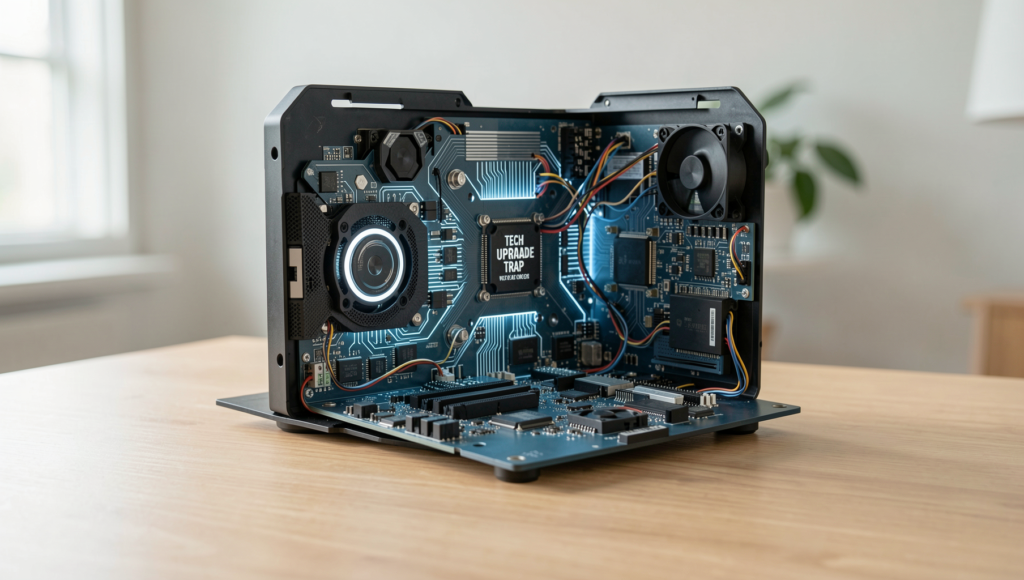
Exploring the tech upgrade trap in modern workspaces.
8 min read • 1,626 words
Table of Contents
ToggleTech Upgrade Trap: When New Hardware Is Not the Best Solution
In today’s fast-paced technological landscape, many individuals and organizations fall into the tech upgrade trap, believing that new hardware is the ultimate solution to performance issues. However, this mindset can lead to diminishing returns, especially when software optimization is overlooked. Users often experience significant performance problems due to outdated software rather than aging hardware. This article will explore the implications of this trap and why it matters for both personal and professional environments.
Readers will learn how the cost of new hardware can frequently outweigh its benefits, particularly when existing systems adequately meet current needs. Additionally, compatibility issues with new hardware can introduce unforeseen costs and time delays. Instead of rushing to upgrade, investing in training for existing systems may yield better results, enhancing productivity without the financial burden of new equipment.
Evaluating Actual Needs vs. Wants
In the fast-paced world of technology, the allure of new hardware can be overwhelming. However, before diving into a purchase, it’s crucial to evaluate whether an upgrade is genuinely necessary or if it’s simply a case of the tech upgrade trap. This involves a careful assessment of current hardware performance and limitations, as well as a clear understanding of specific needs for software and tasks.
To begin, users should assess their current hardware capabilities. This includes evaluating the speed, storage, and overall performance of existing devices. For instance, a graphic designer may find their computer lagging during heavy rendering tasks. In such cases, it’s essential to identify whether the bottleneck is due to insufficient RAM, an outdated graphics card, or simply the need for better software optimization.
Next, identifying specific needs is vital. Users should ask themselves questions such as:
- What software do I use regularly, and what are its requirements?
- Are there specific tasks that my current hardware struggles with?
- Can I optimize my workflow without upgrading hardware?
Once these needs are identified, it becomes easier to distinguish between essential upgrades and luxury enhancements. For example, a gamer might feel tempted to buy the latest graphics card, but if their current setup runs games smoothly at acceptable settings, this purchase may not be necessary. Instead, investing in peripherals like a better monitor or a comfortable chair could enhance the gaming experience without the hefty price tag of new hardware.
Case studies of successful evaluations highlight the importance of this process. A small business owner, for instance, opted to upgrade their software and optimize their existing systems rather than purchasing new computers. This decision not only saved costs but also improved productivity significantly, proving that sometimes, the best solution lies in maximizing what you already have.
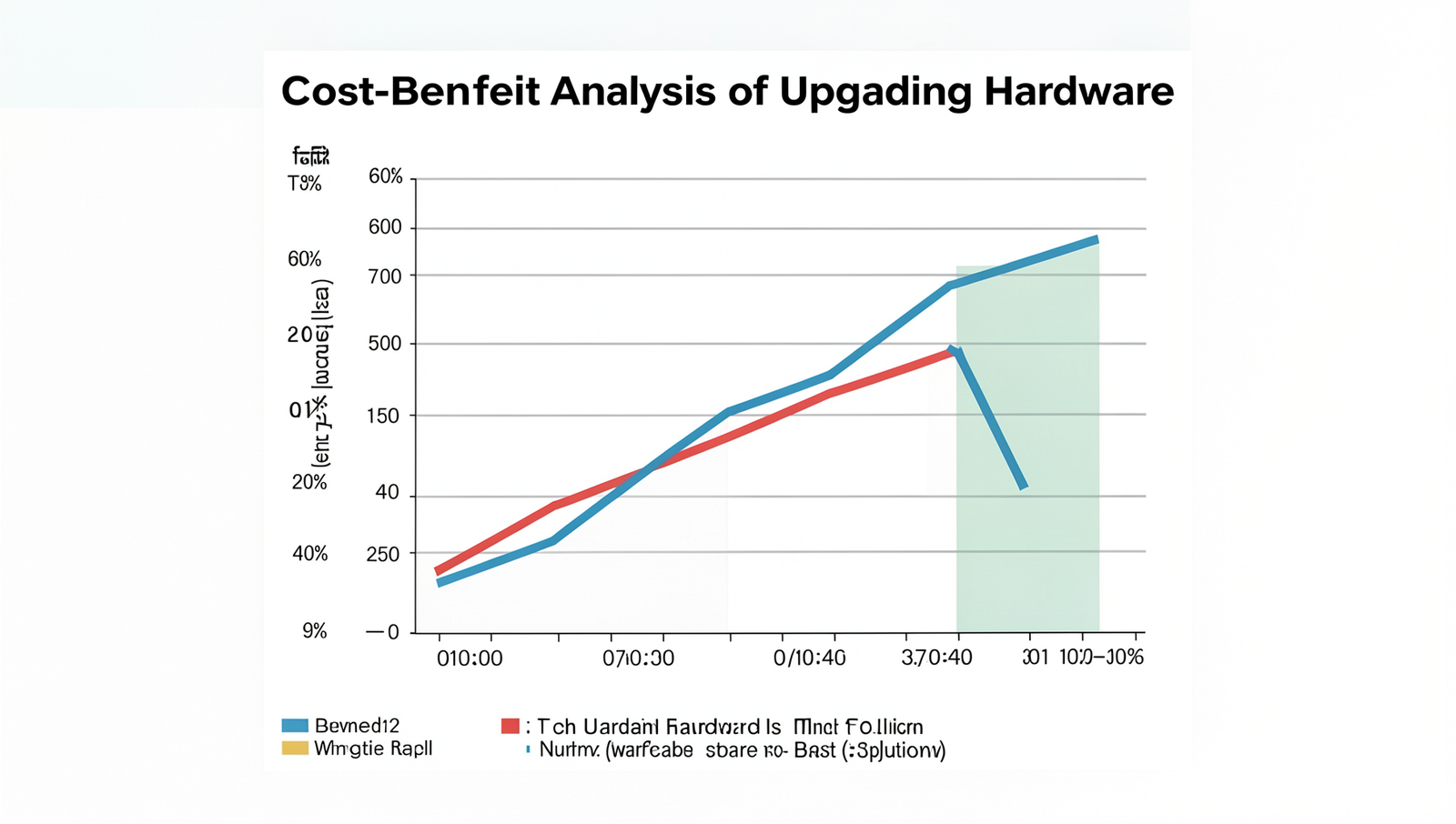
Cost-Benefit Analysis of Upgrading Hardware
When considering a tech upgrade trap, it is essential to conduct a thorough cost-benefit analysis of upgrading hardware. The total cost of ownership (TCO) for new hardware includes not only the initial purchase price but also ongoing expenses such as maintenance, support, and potential training for employees. By calculating the TCO, businesses can gain a clearer understanding of the financial implications of their decisions.
To effectively compare potential productivity gains against costs, organizations should assess how new hardware will impact their operations. For instance, if a company invests in high-performance servers, they must evaluate whether the increase in speed and efficiency will lead to significant productivity improvements that justify the expense. This can be done by estimating the time saved and the corresponding increase in output.
- Initial Purchase Price: The upfront cost of the hardware.
- Maintenance Costs: Ongoing expenses related to upkeep and repairs.
- Training Costs: Resources spent on training staff to use the new technology.
- Downtime: Potential loss of productivity during the transition period.
Exploring alternative solutions, such as software optimization, can often yield better results without the hefty price tag associated with new hardware. For example, upgrading existing software to improve efficiency or implementing better data management practices can lead to significant improvements in performance without the need for new equipment.
Real-world examples illustrate the effectiveness of cost-effective tech solutions. A small business that upgraded its software instead of purchasing new computers saw a 30% increase in productivity, demonstrating that sometimes the best solution lies in optimizing existing resources rather than falling into the tech upgrade trap.
Long-Term Strategies for Tech Sustainability
To avoid falling into the tech upgrade trap, organizations must adopt long-term strategies that prioritize sustainability and efficiency. One effective approach is implementing regular maintenance and upgrades to existing hardware. By routinely checking and servicing equipment, businesses can extend the lifespan of their devices and ensure they operate at peak performance. This not only saves money but also reduces electronic waste.
Another crucial aspect is investing in training for employees to better utilize current technology. Often, organizations purchase new hardware believing it will solve their problems, but the real issue may lie in underutilization of existing tools. For example, providing training sessions on software features or advanced functionalities can empower employees to maximize their productivity without the need for new purchases.
Creating a technology refresh cycle that aligns with business goals is also essential. This cycle should include a schedule for evaluating current technology against the organization’s evolving needs. By doing so, businesses can determine when upgrades are genuinely necessary and when existing hardware can still meet demands. For instance, a company may decide to refresh its hardware every three years, but only if it aligns with their growth strategy and budget.
- Establish a regular maintenance schedule for all hardware.
- Provide ongoing training programs for staff to enhance their skills.
- Align technology refresh cycles with business objectives and budget considerations.
- Encourage a culture of innovation where employees suggest improvements to existing technology.
By focusing on these long-term strategies, organizations can effectively navigate the tech upgrade trap, ensuring that their investments in technology yield the best possible returns while promoting sustainability and efficiency.
Conclusion
In summary, the tech upgrade trap often leads individuals and organizations to believe that acquiring the latest hardware is the only solution to their technological challenges. However, as discussed, this approach can be misguided. Instead of immediately investing in new devices, it is crucial to assess the current system’s performance, identify specific issues, and explore alternative solutions such as software upgrades, maintenance, or training. By doing so, users can save money and extend the life of their existing hardware while still achieving optimal performance.
Moving forward, it is essential to adopt a more strategic approach to technology management. This includes regularly evaluating hardware needs, staying informed about software advancements, and considering the total cost of ownership before making any purchases. By avoiding the tech upgrade trap, individuals and businesses can make more informed decisions that align with their long-term goals and ensure that their technology investments yield maximum benefits.
Real-World Examples
The tech upgrade trap is a phenomenon that many individuals and businesses encounter, often leading to unnecessary expenditures and wasted resources. To illustrate this concept, let’s explore some real-world examples where upgrading hardware did not yield the expected benefits.
One notable case involves a small graphic design firm that decided to upgrade all their computers to the latest models, believing that the new hardware would significantly enhance their productivity. However, after the upgrade, they discovered that their design software was not fully compatible with the new operating systems. This incompatibility led to a series of delays and frustrations, ultimately negating any potential productivity gains. Instead of investing in new hardware, a more prudent approach would have been to optimize their existing systems or invest in software updates that aligned with their current technology.
Another example can be seen in the education sector. A school district invested heavily in new tablets for students, assuming that the latest technology would improve learning outcomes. However, teachers found that many students were distracted by games and social media on the devices. Furthermore, the tablets required constant updates and maintenance, which diverted resources away from teaching. In this scenario, the tech upgrade trap was evident; a focus on training teachers to integrate existing technology into their curriculum could have been a more effective solution.
Lastly, consider a manufacturing company that upgraded their machinery to the latest models, expecting increased efficiency. However, the new machines required specialized training for operators, leading to a temporary drop in productivity as workers adapted. Instead of rushing into a hardware upgrade, a phased approach that involved training and gradual integration of new technology could have minimized disruption and maximized benefits.
These examples highlight the importance of assessing the actual needs of a business or organization before committing to significant tech upgrades. Often, the best solution lies in optimizing existing resources rather than jumping into the tech upgrade trap.
Frequently Asked Questions

What is the tech upgrade trap?
The tech upgrade trap refers to the common misconception that purchasing new hardware is the only solution to performance issues. Often, software optimizations, system configurations, or maintenance can resolve problems, making upgrades unnecessary and potentially wasteful.
When should I consider upgrading my hardware?
You should consider upgrading your hardware when your current system cannot support essential software updates, when performance issues persist despite troubleshooting, or when your hardware is significantly outdated and cannot meet your needs for productivity or efficiency.
What are alternatives to upgrading hardware?
Alternatives to upgrading hardware include optimizing your current system by cleaning up files, updating software, adjusting settings, or even replacing components like RAM or storage. These options can often enhance performance without the cost of a full upgrade.
How can I determine if an upgrade is necessary?
To determine if an upgrade is necessary, assess your system’s performance against your