The Hidden Performance Limits Inside Modern Laptops
 techbest@gmail.com
September 1, 2026
techbest@gmail.com
September 1, 2026
Exploring the hidden performance limits of modern laptops.
8 min read • 1,637 words
Table of Contents
ToggleThe Hidden Performance Limits Inside Modern Laptops
In the quest for portability and convenience, modern laptops often come with hidden performance limits that can significantly impact their capabilities. Understanding these limitations is crucial for anyone looking to maximize their laptop’s potential, whether for gaming, professional work, or creative tasks. This article will delve into the various factors that contribute to these hidden performance limits in laptops, revealing why they matter and how they can affect your overall user experience.
Readers will learn about the common reasons behind performance throttling, such as heat management and battery life optimizations, which can restrict CPU and GPU speeds under load. We will also explore how integrated graphics can bottleneck gaming performance compared to dedicated graphics cards, and the long-term effects of thermal paste degradation on heat dissipation. By the end of this article, you will have a clearer understanding of what to expect from your laptop and how to mitigate these performance constraints.
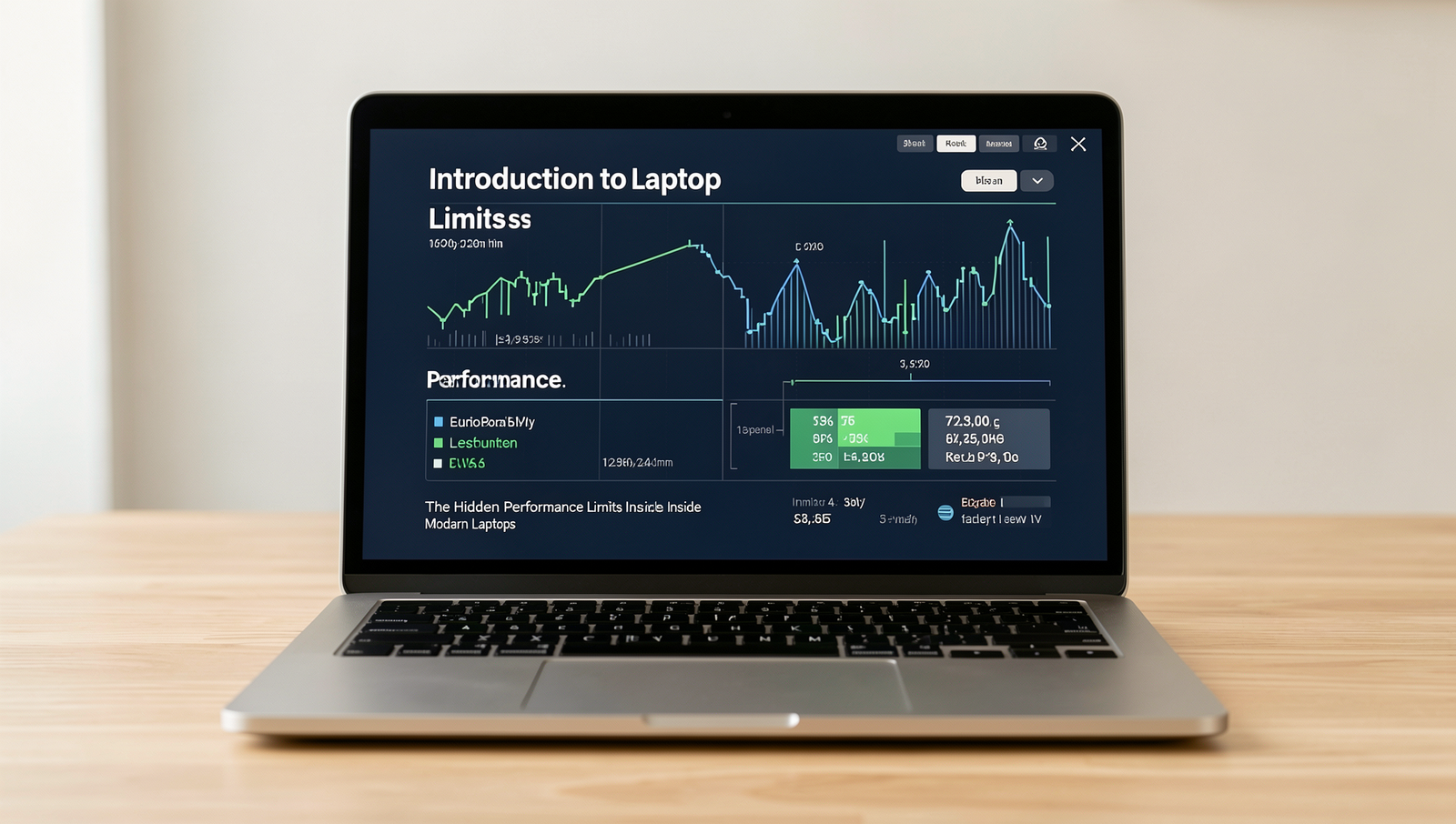
Introduction to Laptop Performance Limits
Modern laptops have become indispensable tools for both personal and professional use. With advancements in technology, they are now capable of performing tasks that once required bulky desktop computers. However, beneath the sleek exterior of these devices lies a complex architecture that dictates their performance. Understanding the hidden performance limits of laptops is crucial for users who want to maximize their productivity and avoid frustration.
One of the key aspects of modern laptop architectures is the balance between power consumption and performance. Most laptops utilize a combination of CPUs, GPUs, and RAM that are optimized for efficiency. This means that while they can handle a variety of tasks, there are inherent limitations based on their design. For instance, high-performance tasks such as gaming or video editing can push these components to their limits, leading to potential slowdowns or thermal throttling.
Many users hold misconceptions about what their laptops can achieve. A common belief is that more RAM or a faster processor will always result in better performance. However, other factors, such as thermal design and cooling solutions, play a significant role. If a laptop’s cooling system cannot dissipate heat effectively, the CPU may slow down to prevent overheating, thus limiting performance.
- Thermal Design: The arrangement of components and airflow within a laptop can significantly affect its performance. Laptops with poor thermal management may experience throttling during intensive tasks.
- Battery Life: Performance can also be limited by battery-saving modes, which restrict CPU and GPU performance to extend battery life.
- Integrated vs. Dedicated Graphics: Many laptops come with integrated graphics, which are suitable for basic tasks but can struggle with demanding applications.
In conclusion, understanding the hidden performance limits of laptops is essential for users who wish to optimize their experience. By recognizing the impact of architecture, thermal design, and common misconceptions, individuals can make informed decisions when selecting and using their devices.
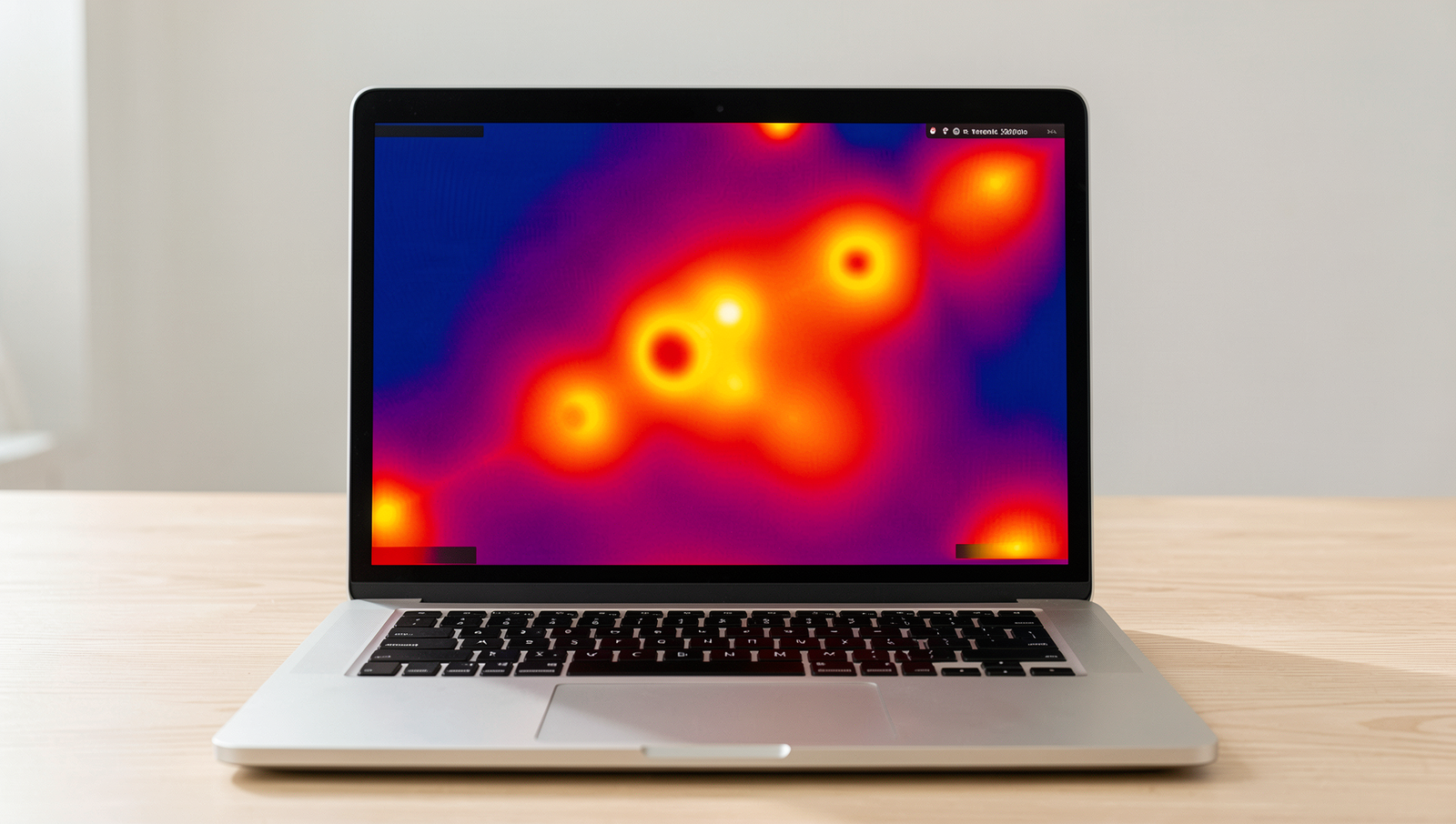
Thermal Management and Its Impact
Thermal management is a critical aspect of laptop design that directly influences performance. As laptops become more powerful, the heat generated by CPUs and GPUs increases, leading to a phenomenon known as thermal throttling. This occurs when a processor reduces its clock speed to prevent overheating, which can significantly impact overall performance. For instance, a high-end gaming laptop may experience a drop in frame rates during intense gaming sessions if the cooling system fails to dissipate heat effectively.
The role of cooling systems in laptops cannot be overstated. They are designed to maintain optimal operating temperatures and ensure that components function at their best. Most laptops utilize either passive or active cooling solutions. Passive cooling relies on heat sinks and natural airflow, while active cooling incorporates fans or liquid cooling systems to enhance heat dissipation. Each approach has its advantages and disadvantages:
- Passive Cooling:
- Quieter operation due to the absence of moving parts.
- Less prone to mechanical failure.
- Limited cooling capacity, which can lead to thermal throttling under heavy loads.
- Active Cooling:
- More effective at managing heat, allowing for sustained performance.
- Can be noisier due to fan operation.
- Potential for mechanical failure, especially in older models.
Real-world examples of thermal management failures highlight the importance of effective cooling solutions. For instance, some ultrabooks have been criticized for their inadequate cooling systems, leading to thermal throttling during demanding tasks like video editing or gaming. Users may notice significant performance drops, illustrating the hidden performance limits laptops can face when thermal management is not prioritized.
In conclusion, understanding thermal management is essential for maximizing the performance of modern laptops. By recognizing the impact of thermal throttling and the effectiveness of different cooling solutions, users can make informed decisions when selecting a laptop that meets their performance needs.
Power Consumption and Efficiency
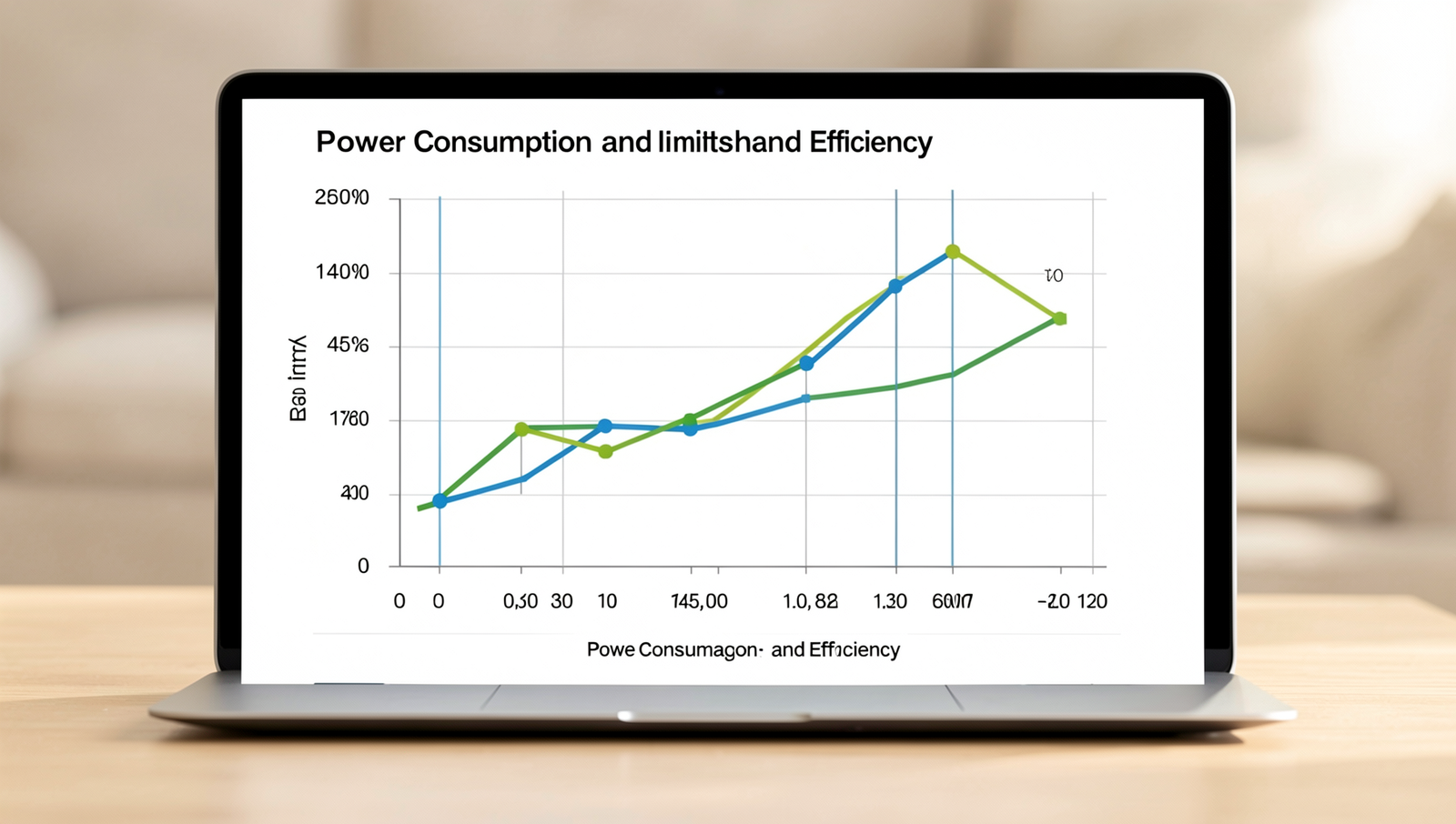
In the realm of modern laptops, understanding power consumption is crucial, especially when engaging in high-performance tasks such as gaming, video editing, or 3D rendering. These activities demand significant processing power, which in turn leads to increased power draw. For instance, a laptop equipped with a high-end GPU can consume upwards of 150 watts during peak usage, drastically affecting battery life and thermal performance.
The balance between performance and battery life is a delicate one. Manufacturers often implement power management features to optimize this balance. For example, when a laptop is plugged in, it may allow the CPU and GPU to run at higher clock speeds, maximizing performance. However, once the device is unplugged, it may throttle these components to conserve battery. This throttling can lead to noticeable drops in performance during intensive tasks, revealing the hidden performance limits of laptops.
Power management settings play a significant role in determining how a laptop performs under various conditions. Users can typically choose between different power profiles, such as “High Performance,” “Balanced,” and “Power Saver.” Each profile adjusts the power draw and performance levels accordingly. For example, selecting the “Power Saver” mode may extend battery life significantly but at the cost of reduced processing speed and responsiveness. This trade-off is essential for users to understand, especially when they need to rely on their laptops for demanding applications.
Innovations in energy-efficient components are also shaping the future of laptop performance. Manufacturers are increasingly integrating advanced technologies, such as low-power CPUs and GPUs, which deliver impressive performance without excessive power consumption. Additionally, the use of solid-state drives (SSDs) instead of traditional hard drives can lead to lower power draw and faster data access speeds. These advancements are crucial in pushing the boundaries of what laptops can achieve while managing their hidden performance limits.
Hardware Limitations and Upgradability
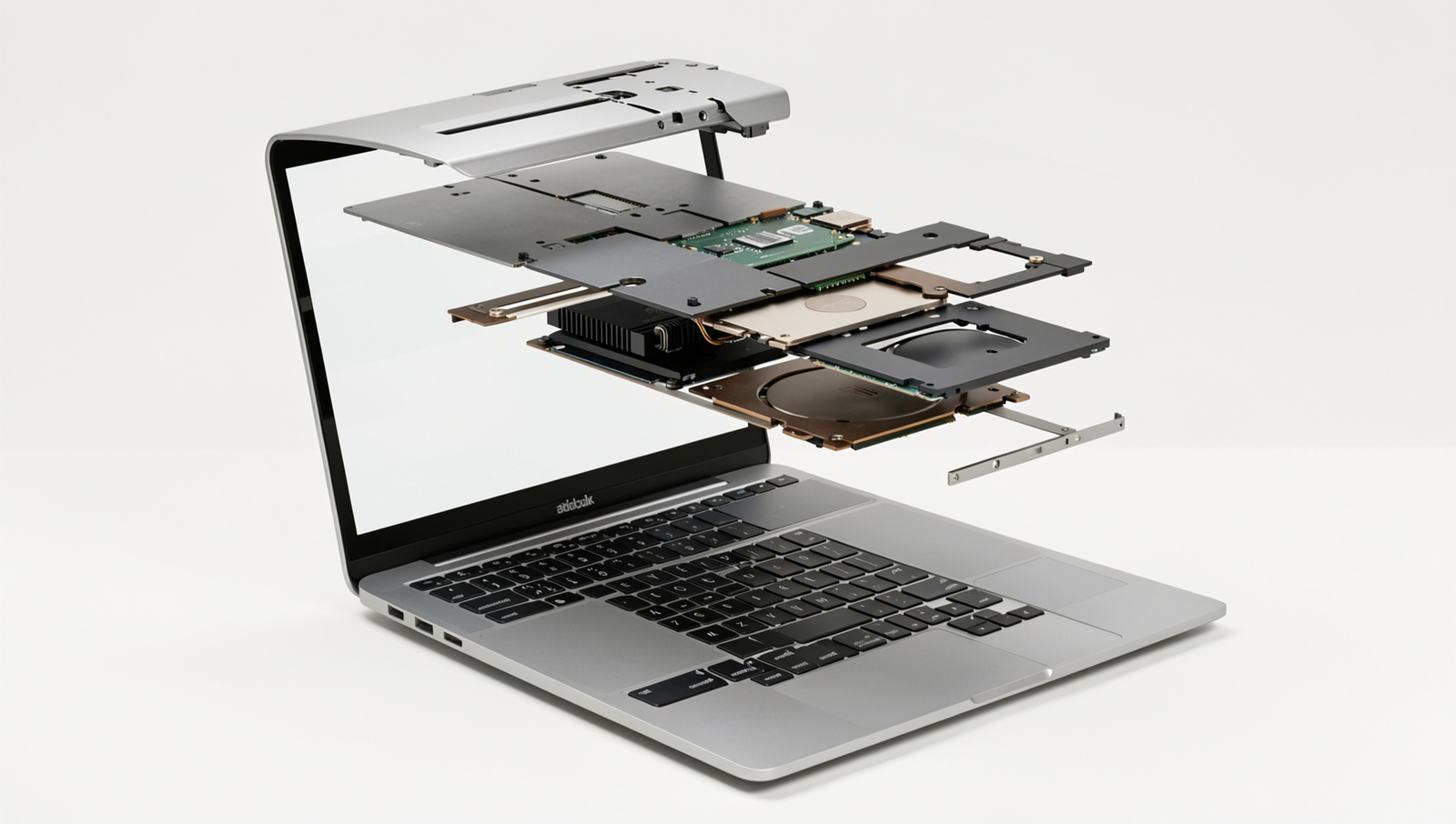
Modern laptops, while powerful and compact, often come with hidden performance limits that can significantly affect their usability and longevity. Understanding these limitations is crucial for users who want to maximize their laptop’s potential. One of the most common hardware bottlenecks in laptops is the RAM. Insufficient RAM can lead to slow performance, especially when multitasking or running memory-intensive applications. For instance, a laptop with only 4GB of RAM may struggle to handle multiple browser tabs or applications simultaneously, leading to frustrating delays.
Another critical factor is storage speed. Traditional hard disk drives (HDDs) are much slower than solid-state drives (SSDs), which can lead to longer boot times and sluggish application loading. Upgrading from an HDD to an SSD can result in a noticeable performance boost, making the laptop feel significantly faster. Users should consider the type of storage their laptop uses and whether an upgrade is feasible, as many modern laptops come with soldered storage that cannot be replaced.
- Integrated Graphics: Most laptops come with integrated graphics, which are sufficient for everyday tasks but can struggle with gaming or graphic-intensive applications.
- Dedicated Graphics: Laptops with dedicated graphics cards offer superior performance for gaming and professional applications, but they often come at a higher price and can lead to increased heat and reduced battery life.
As technology advances, future trends in laptop hardware design are likely to focus on improving performance while maintaining portability. Innovations such as more efficient processors, faster RAM, and advanced cooling solutions will help mitigate some of the hidden performance limits in laptops. Additionally, the rise of external GPU solutions may provide users with the flexibility to enhance graphics performance without compromising on the laptop’s form factor.
In conclusion, understanding the hidden performance limits of laptops is essential for making informed purchasing decisions and optimizing performance through upgrades when possible.
Conclusion
In summary, the hidden performance limits inside modern laptops often go unnoticed by users who expect seamless functionality. Factors such as thermal throttling, power consumption, and hardware limitations can significantly impact performance, especially during demanding tasks like gaming or video editing. Understanding these constraints allows users to make informed decisions when selecting a laptop that meets their needs. Additionally, recognizing the importance of proper ventilation and cooling solutions can help mitigate some of these performance issues.
As technology continues to evolve, it is crucial for consumers to stay informed about the hidden performance limits of laptops. By considering upgrades, such as additional RAM or SSDs, and choosing models designed for high performance, users can enhance their computing experience. Ultimately, being aware of these limitations empowers users to maximize their laptop’s capabilities and ensure they are getting the best possible performance for their investment.
Frequently Asked Questions
What are the common performance limits in modern laptops?
Common performance limits in modern laptops include CPU and GPU capabilities, thermal management, and power supply constraints. These factors can restrict processing speed, graphics rendering, and overall efficiency, especially during demanding tasks like gaming or video editing.

How does thermal throttling affect laptop performance?
Thermal throttling occurs when a laptop’s temperature rises beyond safe levels, causing the CPU