Tech Signals: What Your WiFi Connection Is Really Telling You
 techbest@gmail.com
September 1, 2026
techbest@gmail.com
September 1, 2026
Understanding your WiFi signals in a tech-savvy home.
8 min read • 1,633 words
Table of Contents
ToggleTech Signals: What Your WiFi Connection Is Really Telling You
Understanding your WiFi connection signals is crucial for optimizing your internet experience. The strength of your WiFi signal can reveal important information about your distance from the router; a weaker signal often indicates that you are farther away. Additionally, interference from other electronic devices can significantly degrade your WiFi performance, particularly in crowded environments where multiple signals compete for bandwidth. This article will delve into these aspects, helping you recognize what your WiFi connection is communicating about your network’s health.
Moreover, the number of devices connected to your WiFi can directly impact your speed. More devices typically lead to slower speeds, which can affect activities such as streaming or gaming. Finally, it’s essential to consider your router’s firmware version, as outdated firmware may expose your network to vulnerabilities. By understanding these signals, you can make informed decisions to enhance your WiFi performance and security.
Understanding WiFi Signals
WiFi signals are the invisible waves that allow devices to connect to the internet wirelessly. These signals are crucial for modern connectivity, enabling everything from streaming videos to online gaming. Essentially, a WiFi signal is a radio wave that transmits data between a router and connected devices, making it a vital component of our daily digital experiences.
The transmission and reception of WiFi signals occur through a process called modulation. A router converts data into radio waves, which are then broadcasted through the air. Devices such as smartphones, laptops, and tablets have built-in antennas that receive these signals, allowing them to access the internet. The strength and quality of these signals can significantly impact the user experience, determining how fast and reliably data is transmitted.
Several factors can affect WiFi signal strength and quality. These include:
- Distance: The farther a device is from the router, the weaker the signal becomes.
- Obstacles: Walls, furniture, and other physical barriers can obstruct signals, leading to degradation in quality.
- Interference: Other electronic devices, such as microwaves and cordless phones, can interfere with WiFi signals.
- Network congestion: Multiple devices connected to the same network can slow down the connection, especially during peak usage times.
Common WiFi signal issues include slow internet speeds, frequent disconnections, and dead zones where the signal is weak or nonexistent. Symptoms of these problems can manifest as buffering during video streaming, lag in online gaming, or difficulty connecting to the network altogether. Understanding these aspects of WiFi connection signals can help users troubleshoot issues and optimize their internet experience.
Interpreting Signal Strength and Quality
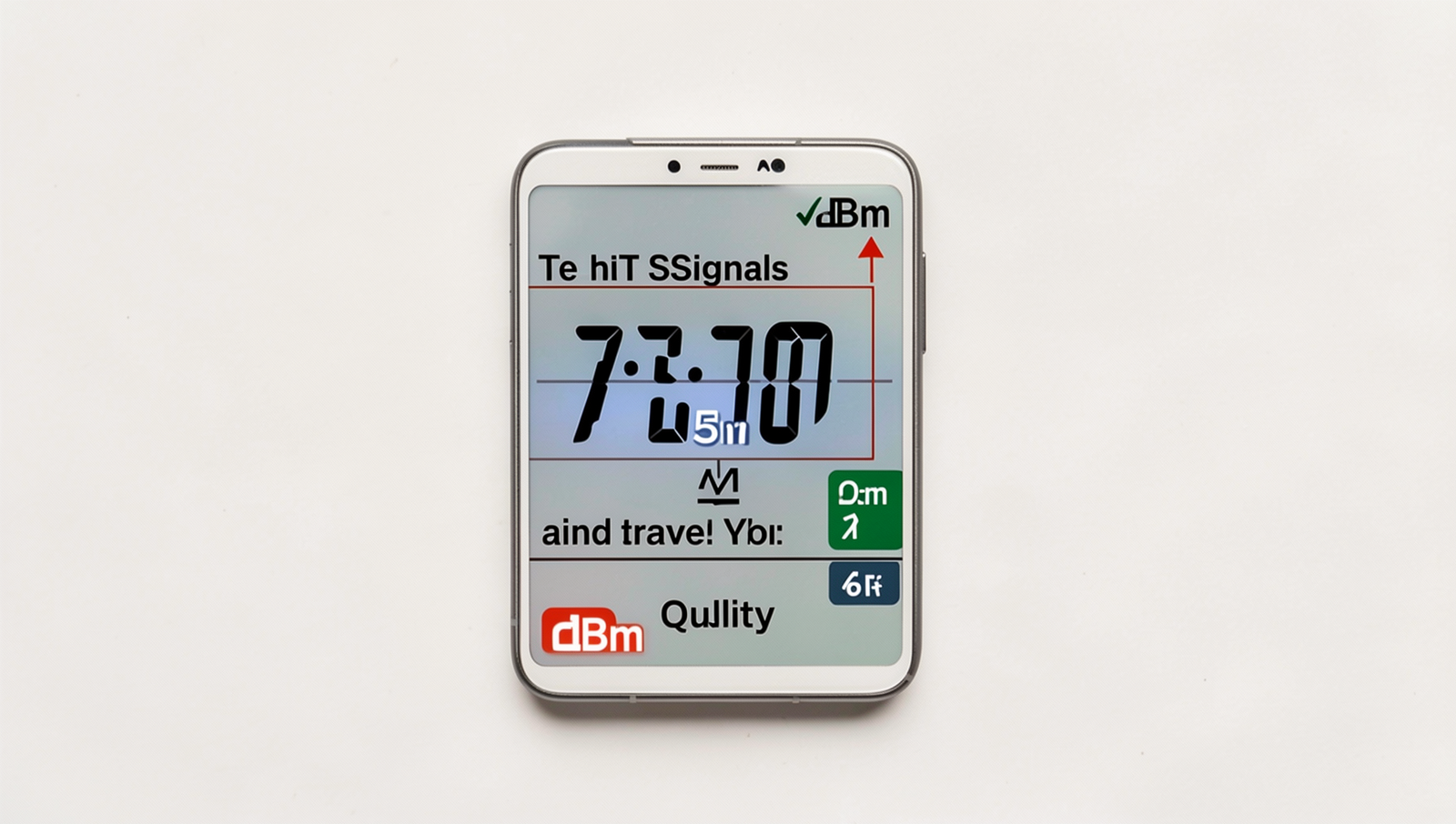
Understanding your WiFi connection signals is crucial for optimizing your internet experience. One of the key metrics to consider is the dBm value, which measures signal strength in decibels relative to one milliwatt. A dBm value can range from -30 dBm, indicating an excellent signal, to -90 dBm, which suggests a very weak connection. Here’s a quick reference for interpreting these values:
- -30 dBm: Excellent signal strength
- -50 dBm: Good signal strength
- -70 dBm: Fair signal strength
- -90 dBm: Poor signal strength
While signal strength is important, it’s essential to differentiate it from signal quality. Signal strength refers to how strong the signal is when it reaches your device, while signal quality measures the clarity and reliability of that signal. A strong signal can still be of poor quality if there is interference or noise affecting the transmission. For instance, you might have a signal strength of -50 dBm, but if the quality is low, you may experience buffering or dropped connections.
To accurately measure your WiFi signal strength, you can use various tools. Applications like NetSpot, WiFi Analyzer, or even built-in tools on your operating system can provide valuable insights. For example, on Windows, you can use the command:
netsh wlan show interfacesThis command will display your current WiFi connection details, including the signal strength in dBm.
When troubleshooting your connection, interpreting these results is key. If you find that your signal strength is adequate but the quality is lacking, consider checking for interference from other devices, moving closer to the router, or even upgrading your hardware. Understanding these aspects of your WiFi connection signals can significantly enhance your online experience.
Common WiFi Connection Issues
WiFi connection signals can often be misleading, and understanding the common issues that affect them is crucial for maintaining a stable internet connection. One of the primary culprits for poor WiFi performance is interference from other devices. Many household items, such as microwaves, cordless phones, and even Bluetooth devices, can disrupt your WiFi signal. If you notice a drop in signal strength when using these devices, it may be time to relocate your router or switch to a less congested frequency band.
Distance also plays a significant role in the quality of your WiFi connection. The further you are from the router, the weaker the signal becomes. Walls, floors, and furniture can further attenuate the signal. For example, if your router is located in a basement and you are trying to connect on the second floor, you may experience significant connectivity issues. To improve your connection, consider moving the router to a more central location or investing in WiFi extenders to boost the signal throughout your home.
Another common issue affecting WiFi performance is hardware-related. Outdated routers or modems can struggle to keep up with modern internet speeds and multiple connected devices. If your router is several years old, it may be time to upgrade. Additionally, ensure that your firmware is up to date, as manufacturers often release updates to improve performance and security.
Finally, connectivity drops can be frustrating. To recognize and resolve these issues, monitor your connection regularly. If you experience frequent drops, try rebooting your router or checking for any loose connections. You can also run a speed test to determine if your internet speed matches what you are paying for. If problems persist, contacting your internet service provider may be necessary to diagnose any underlying issues.
Conclusion
Understanding your WiFi connection signals is crucial for optimizing your internet experience. Throughout this article, we explored how various factors, such as signal strength, interference, and network congestion, can impact your connectivity. By recognizing these elements, you can make informed decisions about your home network setup. Whether it’s repositioning your router, upgrading your equipment, or utilizing WiFi extenders, there are numerous strategies to enhance your connection. The benefits of a strong WiFi signal are clear: improved streaming quality, faster downloads, and a more reliable connection for all your devices.
As you move forward, consider monitoring your WiFi connection signals regularly to ensure optimal performance. Utilize tools and apps designed to analyze your network, allowing you to identify issues before they become significant problems. By taking proactive steps, you can enjoy a seamless online experience, making the most of your internet service. Ultimately, a well-maintained WiFi connection can greatly enhance your digital life, enabling you to stay connected with ease.
Real-World Examples
Understanding your WiFi connection signals can significantly enhance your internet experience. Let’s explore some real-world scenarios where interpreting these signals can lead to better connectivity and performance.
Consider a household with multiple devices connected to the same WiFi network. In this scenario, the WiFi connection signals can vary greatly depending on the device’s location. For instance, a smartphone located in the living room may show a strong signal, while a laptop in the basement struggles to maintain a connection. This discrepancy can be attributed to physical obstructions like walls and floors, which can weaken the signal strength. To address this, users can invest in WiFi extenders or mesh networks that help distribute the signal more evenly throughout the home.
In a workplace setting, the importance of WiFi connection signals becomes even more pronounced. Imagine an office with numerous employees relying on a single router. During peak hours, the network may slow down due to bandwidth congestion. Employees may notice that their video calls lag or files take longer to upload. By monitoring the WiFi connection signals, IT departments can identify dead zones and areas of high traffic. They can then optimize the network by adding additional access points or upgrading to a more robust router that can handle increased loads.
- Example 1: A family streaming movies on multiple devices may experience buffering. By checking the WiFi connection signals, they can determine if they need to reduce the number of devices connected or upgrade their internet plan.
- Example 2: A small café offering free WiFi might notice customers complaining about slow speeds. By analyzing the WiFi connection signals, they can adjust the router’s placement or add a second router to accommodate more users.
- Example 3: A gamer experiencing lag during online play can check their WiFi connection signals to see if they are too far from the router. Moving closer or using a wired connection can drastically improve their gaming experience.
These examples illustrate how being aware of WiFi connection signals can lead to practical solutions for everyday connectivity issues. By actively monitoring and adjusting their setups, users can ensure a smoother and more reliable internet experience, whether at home or in public spaces.
Frequently Asked Questions
What factors can affect my WiFi signal strength?
Several factors can impact your WiFi signal strength, including physical obstructions like walls and furniture, interference from other electronic devices, the distance from the router, and the number of connected devices. Environmental conditions can also play a role.
How can I improve my WiFi connection?
To enhance your WiFi connection, consider repositioning your router to a central location, reducing interference from other devices, using WiFi extenders, and ensuring your router’s firmware is up to date. Additionally, limiting