The Forgotten Hardware Inside Your Computer That Still Matters
 techbest@gmail.com
September 1, 2026
techbest@gmail.com
September 1, 2026
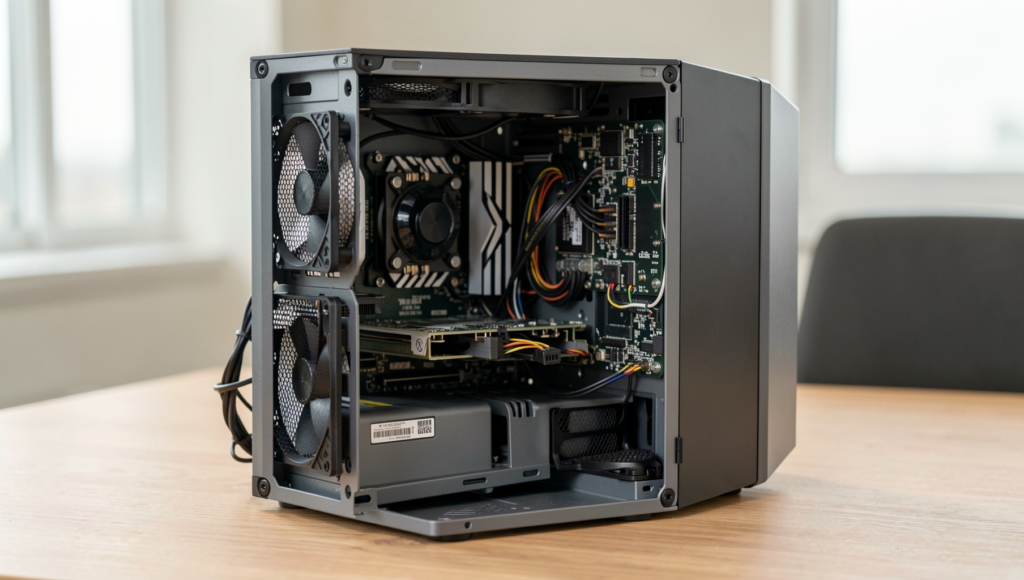
Exploring vital yet overlooked computer hardware.
8 min read • 1,638 words
Table of Contents
ToggleThe Forgotten Hardware Inside Your Computer That Still Matters
When building or upgrading a computer, many enthusiasts focus on flashy components like the CPU, GPU, and RAM, often overlooking the forgotten computer hardware that plays a crucial role in overall performance. Understanding these components is essential for anyone looking to optimize their system. This article will delve into the significance of the power supply unit (PSU), motherboard, cooling fans, hard drives, and RAM, highlighting why they deserve more attention.
The PSU is vital for delivering stable power to all components, ensuring reliability and longevity. The motherboard, housing the chipset, dictates compatibility and performance of the CPU and RAM, making it a key player in your system’s efficiency. Additionally, cooling fans are indispensable for maintaining optimal temperatures, preventing thermal throttling. Lastly, while speedier components often steal the spotlight, the hard drive or SSD significantly impacts overall system performance. By understanding these elements, readers can make informed decisions that enhance their computing experience.
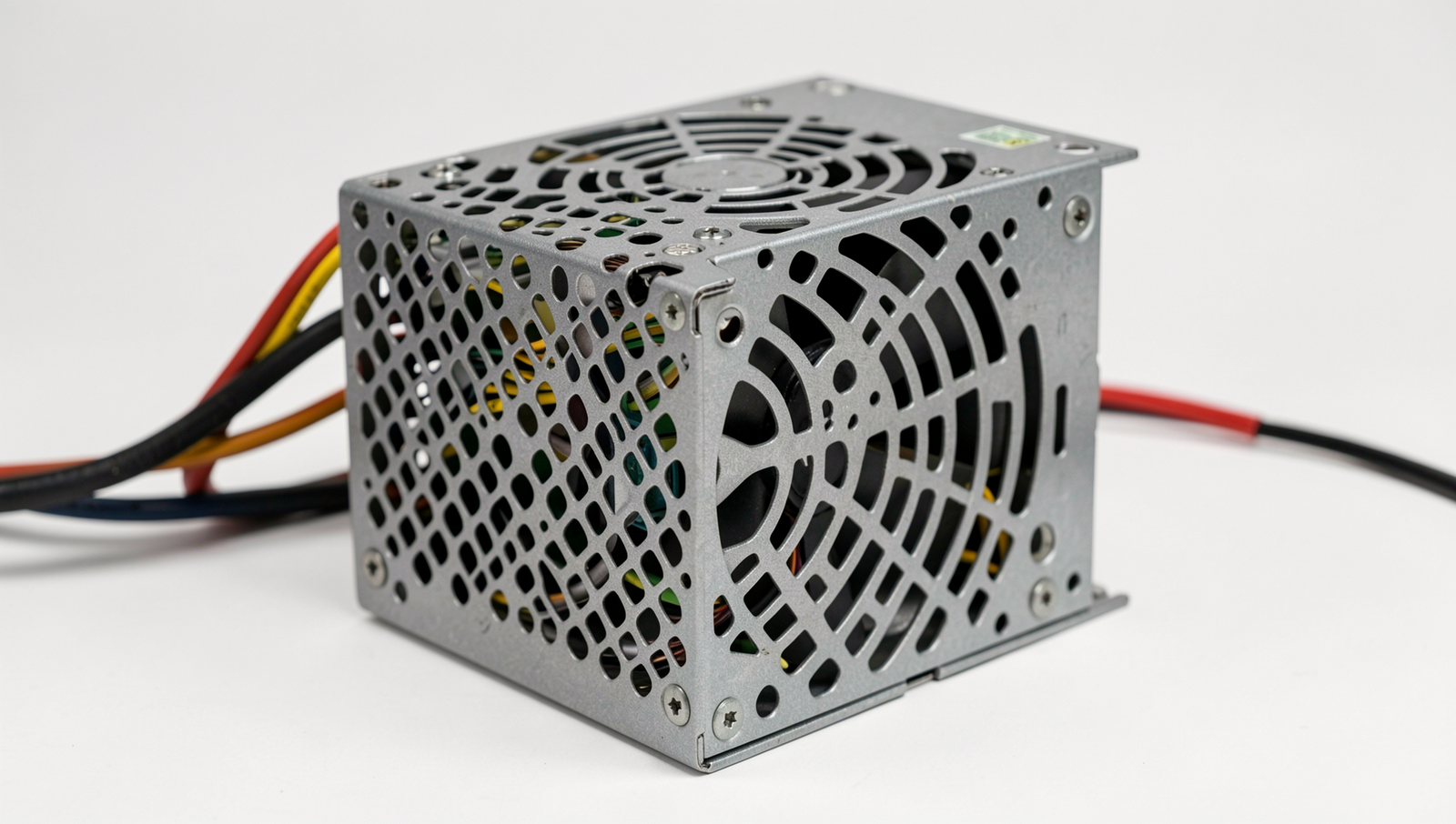
The Legacy of the Power Supply Unit (PSU)
The Power Supply Unit (PSU) is often overlooked when discussing computer hardware, yet it plays a crucial role in the overall stability and performance of a system. The PSU converts the alternating current (AC) from your wall outlet into the direct current (DC) that your computer components require. Without a reliable PSU, even the most advanced hardware can falter, leading to system instability and unexpected shutdowns.
Wattage is another critical aspect of the PSU that affects performance and component compatibility. Each component in your computer, from the CPU to the graphics card, has a specific power requirement. If the PSU does not provide adequate wattage, it can lead to underperformance or even hardware failure. For example, a high-end gaming rig with a powerful GPU may require a PSU rated for at least 750 watts to function optimally. Conversely, a basic office setup may only need a 300-watt PSU. Choosing the right wattage is essential for ensuring that all components receive the power they need.
Efficiency ratings, such as the 80 Plus certifications, are also significant when considering a PSU. These ratings indicate how effectively a PSU converts AC power into DC power, with higher ratings signifying better efficiency. A PSU with an 80 Plus Gold certification, for instance, is at least 87% efficient at 20% and 100% load, which means less wasted energy and lower electricity bills. This efficiency not only benefits the environment but also contributes to the longevity of your components.
Common signs of a failing PSU include unexpected system crashes, random reboots, and unusual noises like buzzing or clicking sounds. If you notice any of these symptoms, it may be time to investigate your PSU. Ignoring these signs can lead to more severe issues, including permanent damage to your computer hardware.
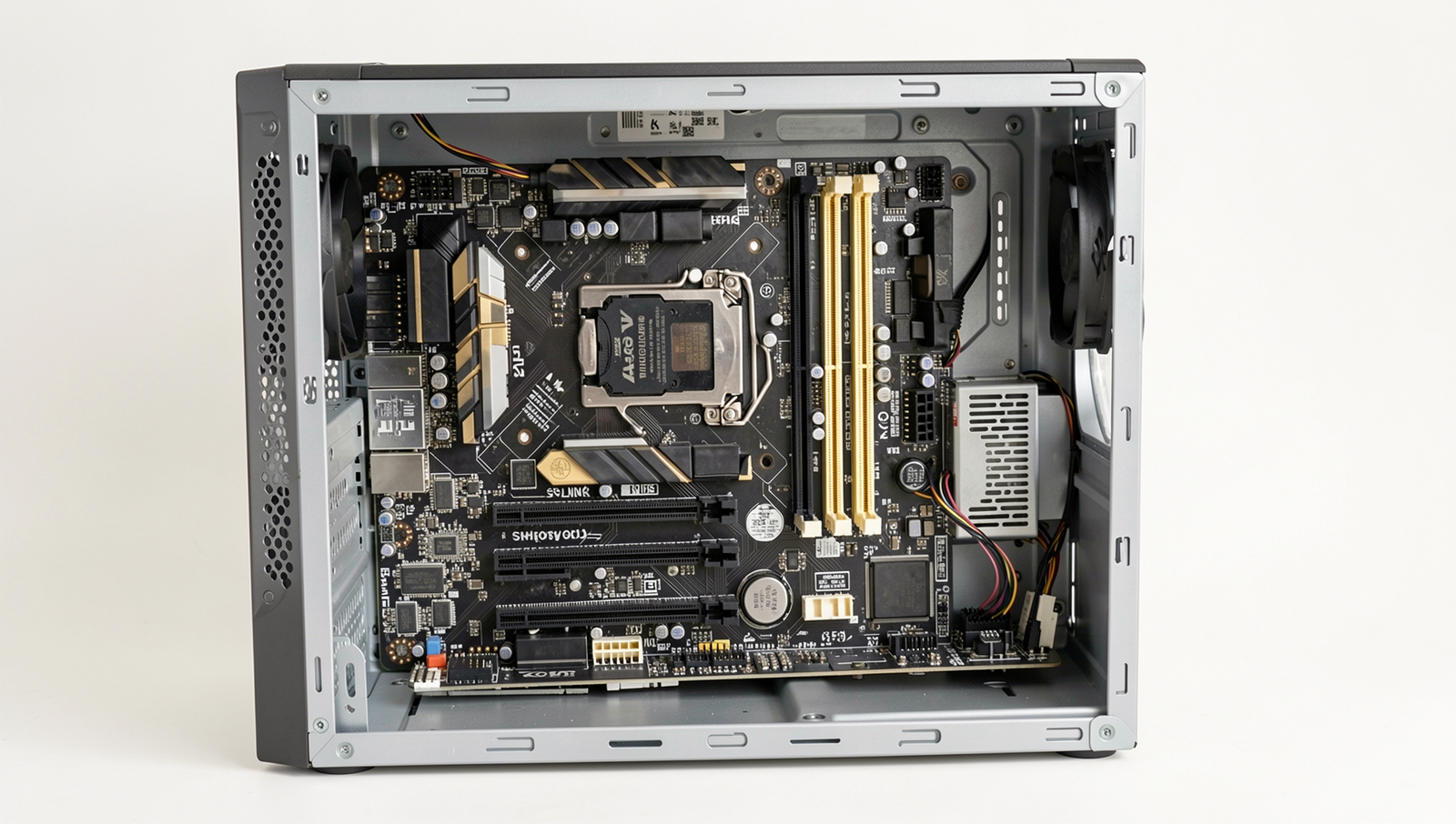
The Unsung Hero: The Motherboard
When we think about computer hardware, components like the CPU and GPU often steal the spotlight. However, the motherboard is the unsung hero that plays a crucial role in connecting all the components of a computer. It serves as the backbone of the system, allowing communication between the processor, memory, storage devices, and peripherals. Without a well-functioning motherboard, even the most powerful CPU or GPU would be rendered useless.
The selection of the chipset on a motherboard significantly impacts the overall performance and features of a computer. Different chipsets offer varying levels of support for technologies such as overclocking, multi-GPU setups, and advanced connectivity options like USB 3.2 or Thunderbolt. For example, a motherboard with a high-end chipset may allow for better memory speeds and more PCIe lanes, which can enhance gaming and productivity tasks.
Another critical aspect of motherboards is the BIOS (Basic Input/Output System). Regular BIOS updates are essential for maintaining system stability and security. These updates can fix bugs, improve hardware compatibility, and even enhance performance. For instance, a BIOS update might optimize the motherboard’s ability to manage power consumption, which can lead to a more efficient system overall.
When choosing a motherboard, consider the following factors:
- Form Factor: Ensure it fits in your case (ATX, Micro-ATX, Mini-ITX).
- Socket Type: Match it with your CPU (e.g., LGA 1200 for Intel).
- Expansion Slots: Check for adequate PCIe slots for future upgrades.
- RAM Compatibility: Look for the maximum supported RAM and speed.
In conclusion, while often overlooked, the motherboard is a vital component that deserves attention. Its role in connecting and managing all other hardware makes it a key player in the performance and longevity of your computer system.
The Role of Cooling Systems
When discussing forgotten computer hardware, one of the most overlooked components is the cooling system. Effective cooling solutions are essential for maintaining optimal performance and longevity of computer hardware. Without proper cooling, components can overheat, leading to reduced efficiency and potential failure. There are two primary types of cooling solutions: air cooling and liquid cooling.
- Air Cooling: This is the most common method, utilizing fans and heatsinks to dissipate heat. Air cooling is generally more affordable and easier to install, making it a popular choice for many users.
- Liquid Cooling: This system uses liquid coolant to transfer heat away from components. While more complex and expensive, liquid cooling can provide superior performance, especially for high-end systems or overclocked CPUs.
Regardless of the type of cooling solution, effective cooling can significantly prolong the lifespan of hardware. For instance, a CPU that operates at lower temperatures is less likely to experience thermal throttling, which can hinder performance. Moreover, consistent cooling helps prevent damage to sensitive components, ensuring that your investment lasts longer.
Another critical aspect of cooling systems is thermal paste. This compound is applied between the CPU and its heatsink to enhance heat transfer. Over time, thermal paste can dry out and lose its effectiveness, making it crucial to replace it periodically. Signs that your cooling system needs attention include increased fan noise, unexpected shutdowns, or higher-than-normal temperatures during operation.
In conclusion, while often forgotten, the cooling system plays a vital role in the overall health of your computer hardware. Regular maintenance and understanding the importance of cooling can help ensure your system runs smoothly for years to come.
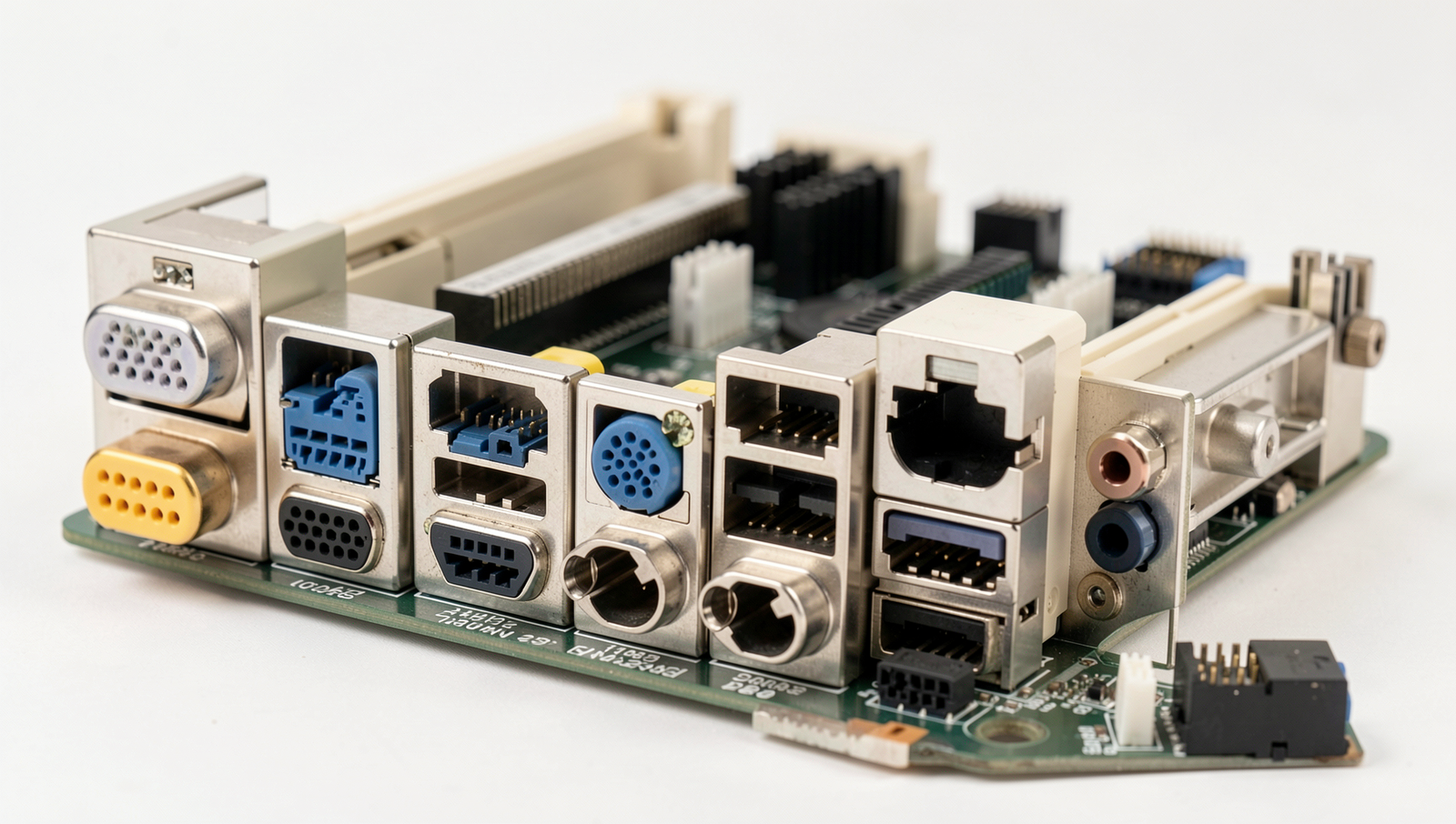
The Importance of Legacy Ports and Connectors
In the ever-evolving landscape of technology, it’s easy to overlook the significance of legacy ports and connectors in our computers. While newer interfaces like USB-C and Thunderbolt are gaining popularity, older ports such as USB-A, HDMI, and even VGA still play a crucial role in maintaining compatibility with various peripherals. Understanding their relevance can help you make informed decisions about your hardware setup.
Legacy ports can be particularly useful for connecting older devices that may not support the latest standards. For instance, many printers, scanners, and external hard drives still utilize USB-A connectors. If you have these devices, having USB-A ports on your computer ensures that you can continue to use them without needing adapters or converters. Similarly, HDMI ports remain essential for connecting monitors and televisions, especially for those who prefer older models that may not support newer connections.
- Data Transfer Speeds: The type of connector can significantly impact data transfer speeds. For example, USB 3.0 ports offer faster speeds compared to USB 2.0, making them ideal for transferring large files quickly.
- Future-Proofing: While it may seem counterintuitive, retaining legacy ports can future-proof your setup. As technology progresses, having a variety of ports ensures compatibility with a broader range of devices.
In conclusion, the forgotten computer hardware of legacy ports and connectors still matters in today’s tech environment. They provide essential connectivity options, enhance compatibility with older peripherals, and can even impact performance. By recognizing their importance, you can ensure that your computer setup remains versatile and functional for years to come.
Conclusion
In the fast-paced world of technology, it’s easy to overlook the forgotten computer hardware that still plays a crucial role in the overall performance and functionality of our systems. Components such as the power supply unit, cooling fans, and even legacy ports may not receive the spotlight they deserve, yet they are essential for maintaining stability and efficiency. Understanding the importance of these often-ignored parts can lead to better maintenance practices and informed upgrade decisions, ensuring that your computer runs smoothly for years to come.
As we move forward in an era dominated by sleek designs and advanced features, it’s vital to remember that the foundation of any computer system relies on its hardware. By acknowledging the significance of forgotten computer hardware, users can take proactive steps to enhance their computing experience. Whether it’s through regular maintenance, timely upgrades, or simply being aware of these components, embracing the full spectrum of your computer’s hardware can lead to improved performance and longevity.
Frequently Asked Questions
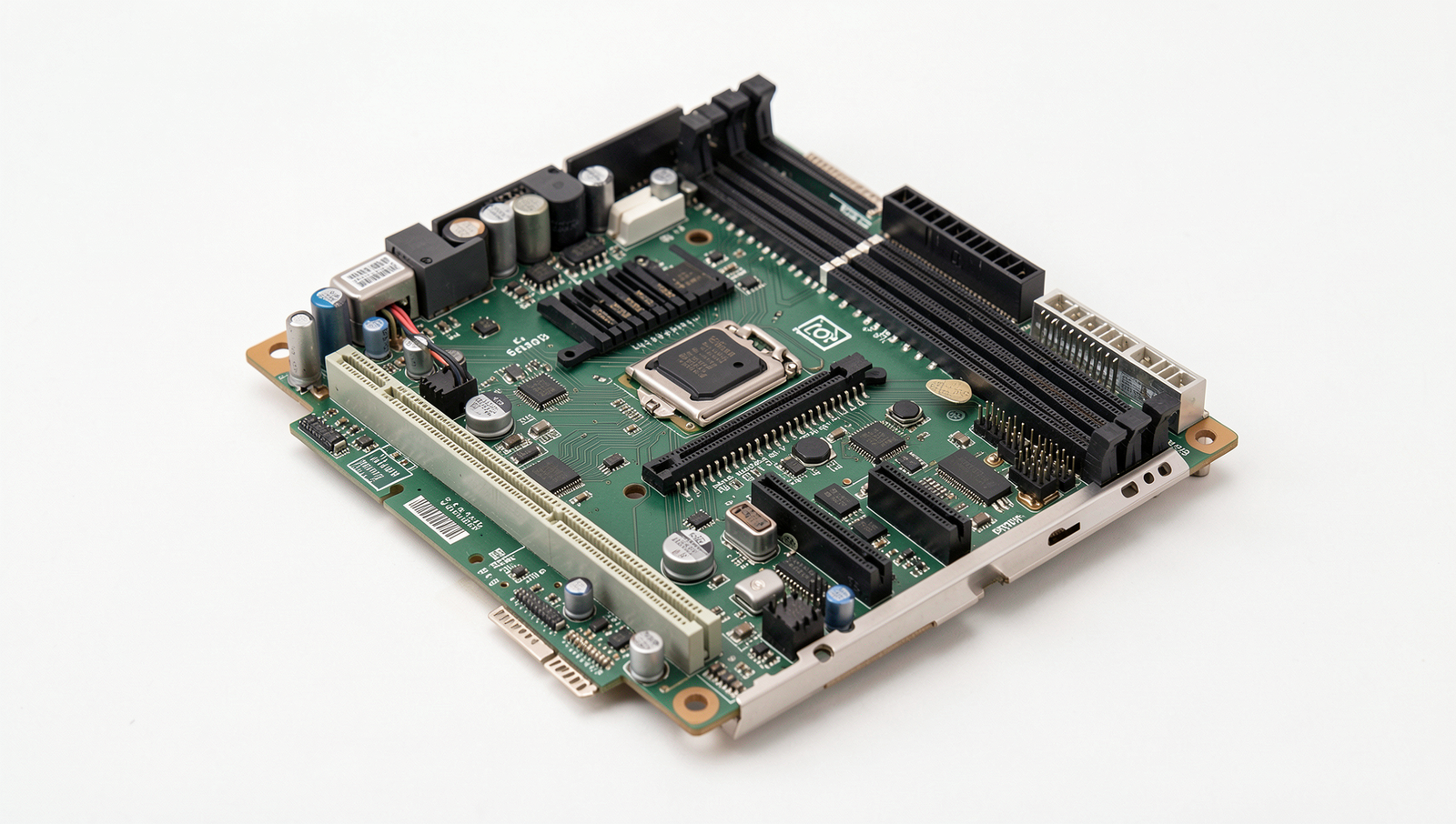
What is the purpose of the motherboard?
The motherboard serves as the main circuit board in a computer, connecting all components together. It allows communication between the CPU, RAM, storage devices, and peripherals. Essentially, it acts as the backbone of the computer, facilitating data transfer and power distribution.
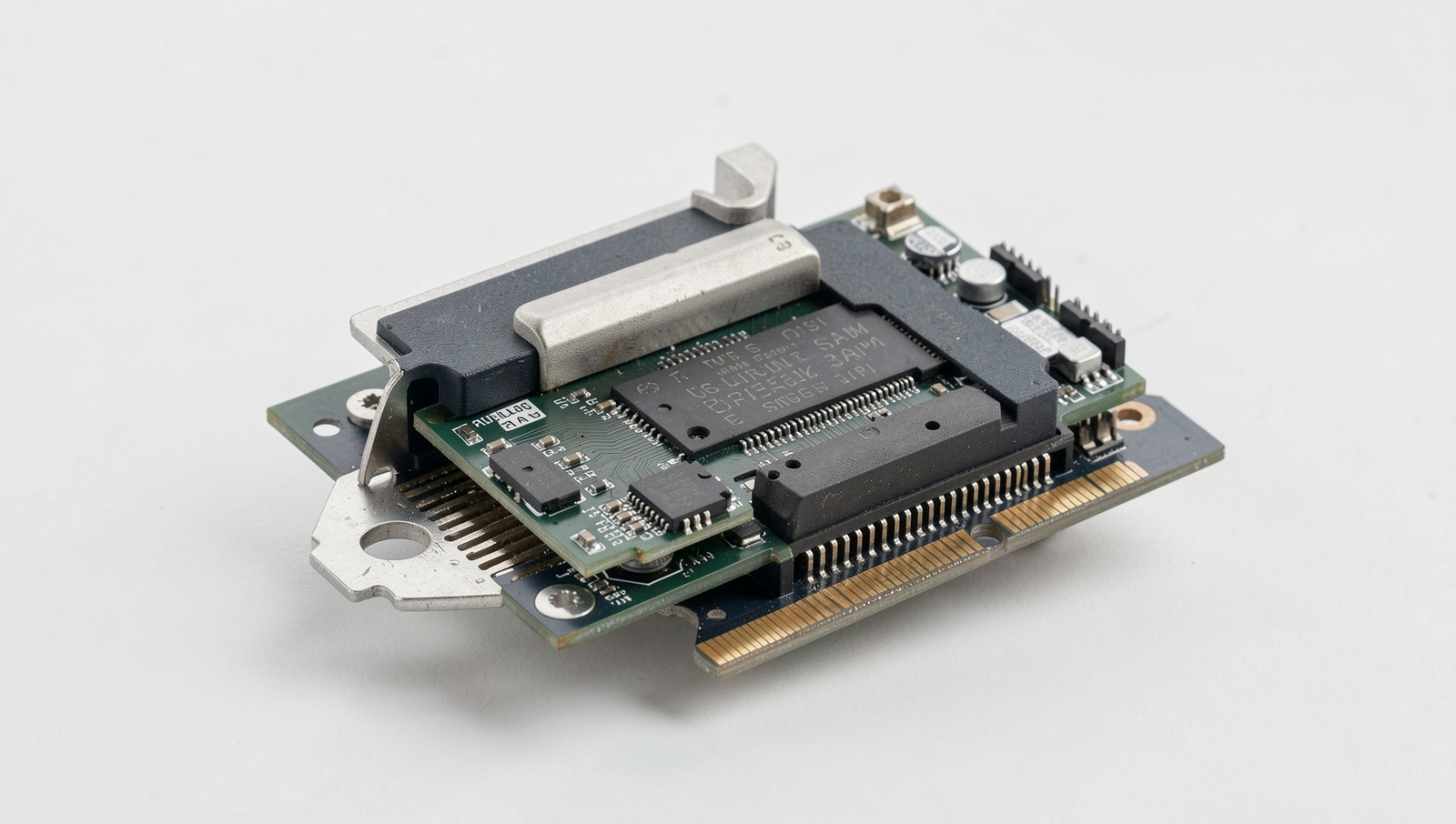
Why is RAM important?
RAM, or Random Access Memory, is crucial for a computer’s performance. It temporarily stores data that the CPU needs to access quickly, allowing for faster processing and multitasking. More RAM enables smoother operation, especially when running multiple applications simultaneously.
What role does the power supply unit (PSU) play?
The power supply unit converts electrical power from an outlet into usable power for the computer’s components. It distributes the correct voltage and current to the motherboard, CPU, and other hardware, ensuring stable operation and preventing damage from power fluctuations.
How does the hard drive differ from SSD?
Hard drives (HDDs) use spinning disks