Inside WiFi: What Happens Between Your Router and Phone
 techbest@gmail.com
September 1, 2026
techbest@gmail.com
September 1, 2026
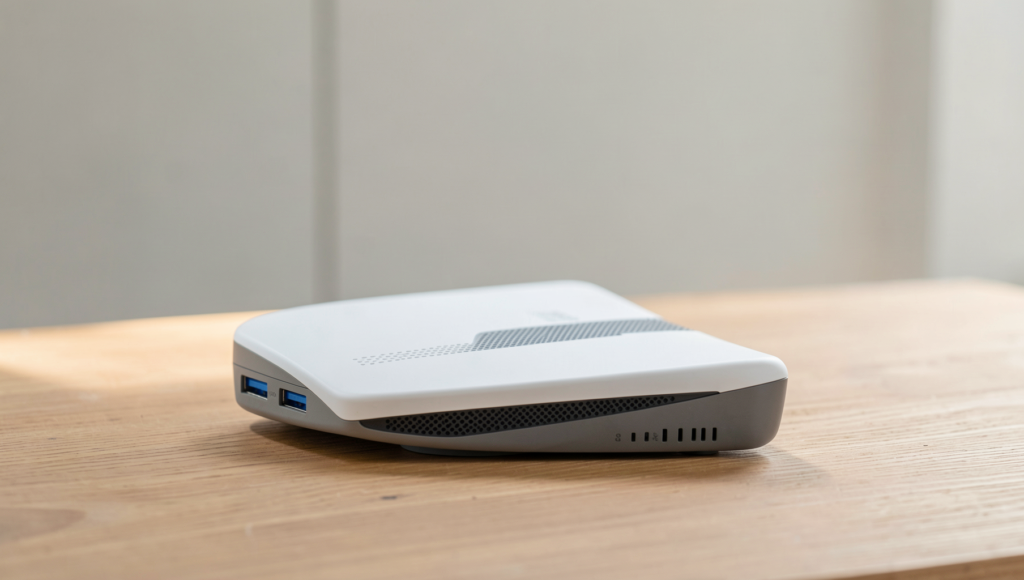
Exploring the connection between routers and devices.
8 min read • 1,624 words
Table of Contents
ToggleInside WiFi: What Happens Between Your Router and Phone
Understanding what happens inside WiFi is essential for anyone who relies on wireless internet for daily tasks. WiFi technology uses radio waves to transmit data between devices and routers, allowing seamless connectivity. The two primary frequency bands utilized by WiFi are 2.4 GHz and 5 GHz, each with its own advantages and limitations. However, physical obstacles like walls and furniture can significantly affect the strength and quality of these signals, leading to slower internet speeds or dropped connections.
In this article, readers will learn about the intricate processes that occur when your devices connect to a WiFi network. This includes the association process, where devices exchange credentials to establish a secure connection. Additionally, we will explore WiFi security protocols, such as WEP, WPA, and WPA2, highlighting why WPA2 is the most secure option available. Understanding these elements can help you optimize your WiFi experience.
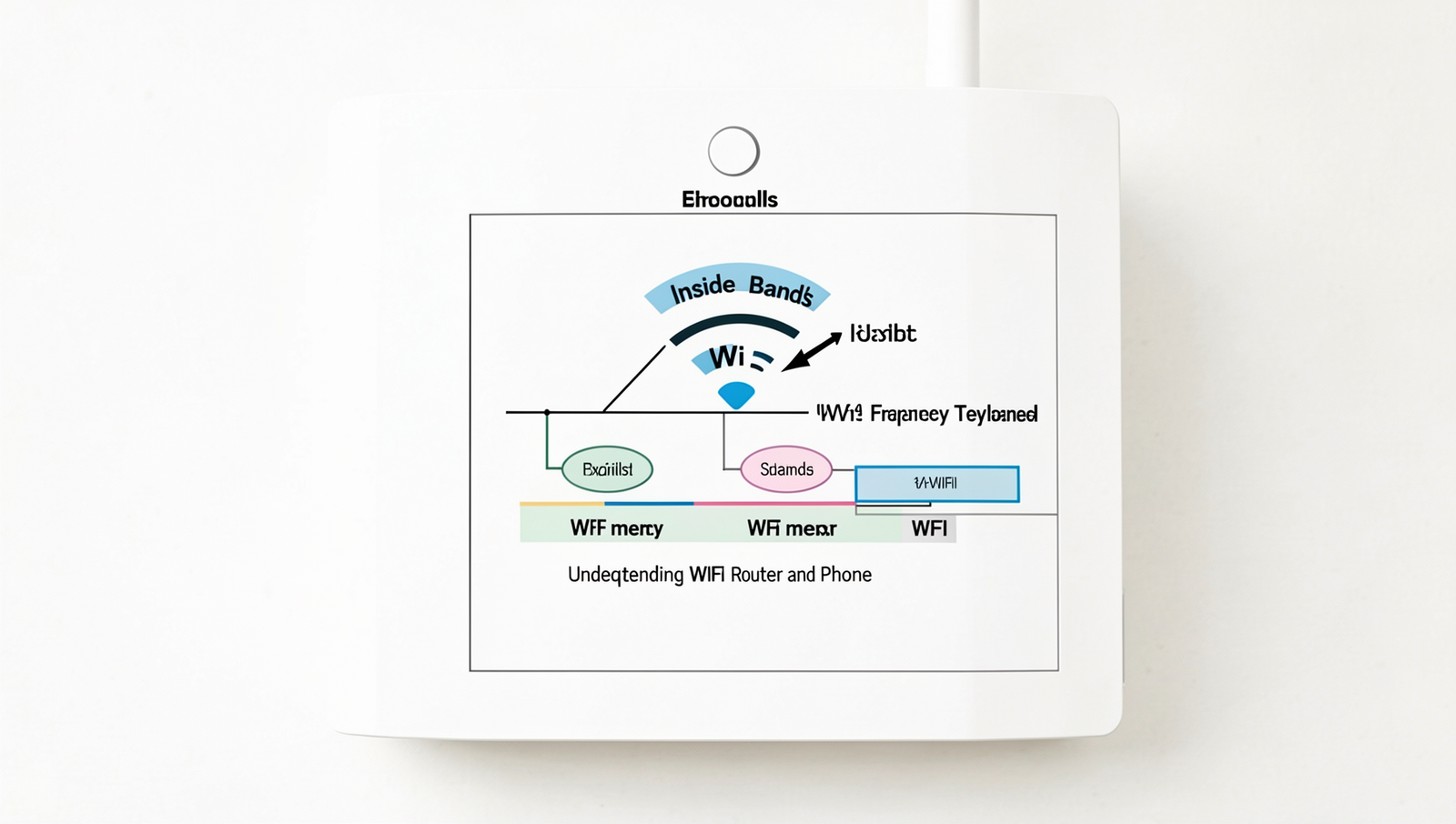
Understanding WiFi Technology
WiFi technology has evolved significantly over the years, with various standards defined by the IEEE 802.11 protocol. Each standard has its unique features and capabilities, impacting how devices connect and communicate wirelessly. The most common standards include 802.11a, 802.11b, 802.11g, 802.11n, 802.11ac, and the latest, 802.11ax, also known as WiFi 6. Each iteration has brought improvements in speed, range, and efficiency, allowing for better performance in increasingly crowded environments.
WiFi signals are transmitted through radio waves, which are emitted by the router and received by devices such as smartphones and laptops. The transmission occurs over specific frequency bands, primarily 2.4GHz and 5GHz. The 2.4GHz band offers a longer range but is more susceptible to interference from other devices like microwaves and Bluetooth gadgets. In contrast, the 5GHz band provides faster speeds and less interference, making it ideal for high-bandwidth activities such as streaming and gaming, albeit with a shorter range.
- 802.11a: Operates on the 5GHz band, offering speeds up to 54 Mbps.
- 802.11b: Uses the 2.4GHz band, with speeds up to 11 Mbps.
- 802.11g: Combines the best of both, supporting speeds up to 54 Mbps on the 2.4GHz band.
- 802.11n: Introduces MIMO technology, allowing multiple data streams, with speeds up to 600 Mbps.
- 802.11ac: Focuses on the 5GHz band, offering gigabit speeds and improved performance.
- 802.11ax: Enhances efficiency and capacity, supporting more devices simultaneously.
The channel width also plays a crucial role in WiFi performance. Wider channels (e.g., 40MHz, 80MHz) can carry more data, leading to higher speeds. However, they are more prone to interference, especially in crowded areas. Understanding these aspects is essential for optimizing your WiFi experience and ensuring reliable connectivity.
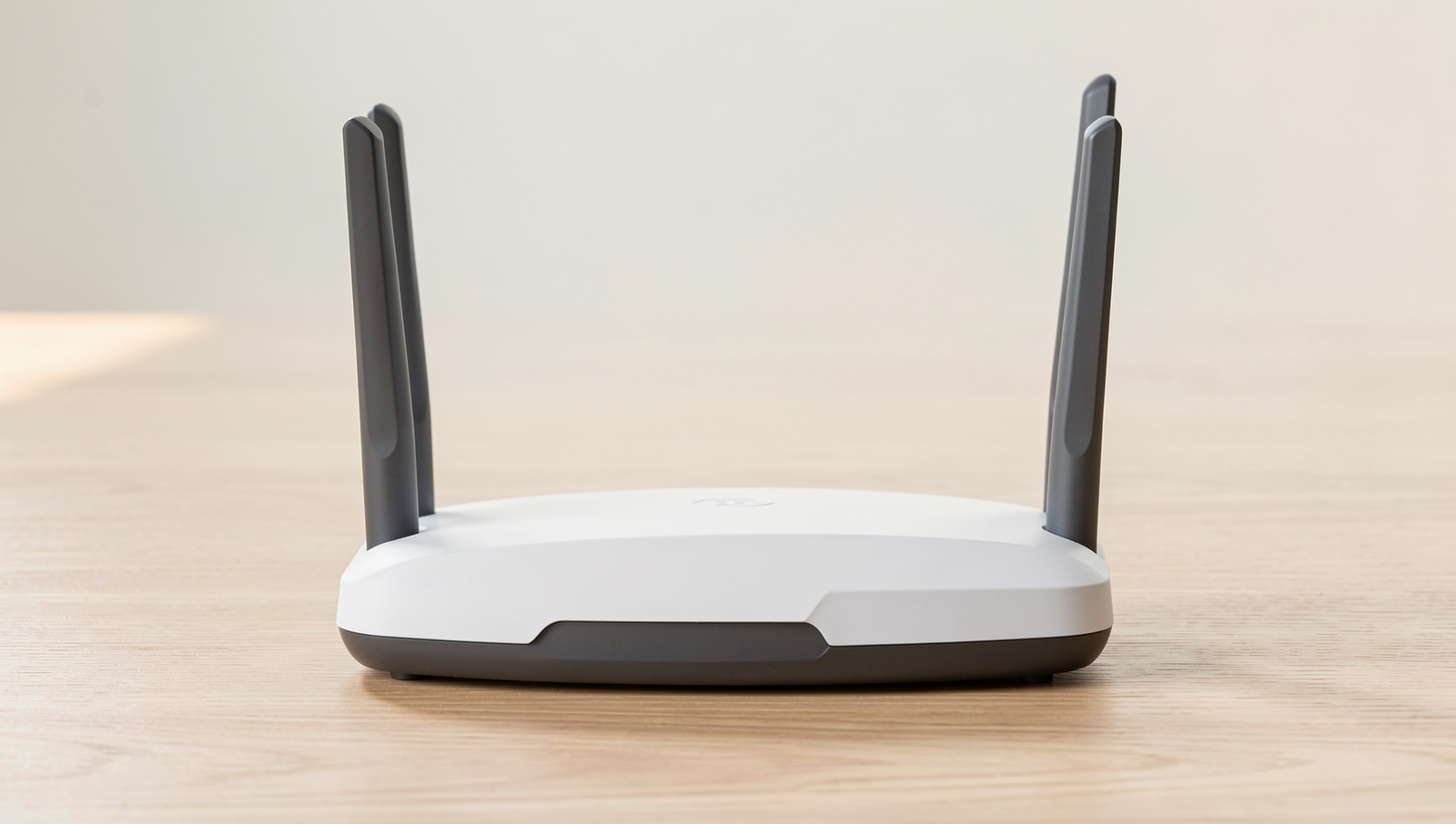
The Role of Your Router
In the realm of home networking, the router serves as a pivotal component, acting as the central hub that connects various devices to the internet. Its primary function is to route data between your devices and the internet, ensuring that information flows smoothly and efficiently. Without a router, devices like smartphones, laptops, and smart home appliances would struggle to communicate with each other and access online resources.
Routers come in several types, each designed to cater to different needs:
- Single-band routers: These operate on one frequency band, typically 2.4 GHz. While they are often more affordable, they may struggle with multiple devices or high-bandwidth activities like streaming.
- Dual-band routers: These offer both 2.4 GHz and 5 GHz bands, allowing for better performance and reduced interference. They are ideal for homes with numerous devices, as they can distribute traffic more effectively.
- Tri-band routers: Featuring an additional 5 GHz band, these are designed for heavy internet users. They excel in environments with many devices, providing faster speeds and improved connectivity.
Routers manage data traffic through a process known as packet switching. When data is sent over the internet, it is broken down into smaller packets. The router determines the best path for these packets to reach their destination, ensuring minimal delay and optimal performance. This is particularly important in busy households where multiple devices are vying for bandwidth.
To maintain peak performance, it is crucial to keep your router’s firmware updated. Firmware updates often include security patches, performance enhancements, and new features that can significantly improve your network’s efficiency. Regularly checking for updates can help prevent issues and ensure that your home network remains secure and reliable.
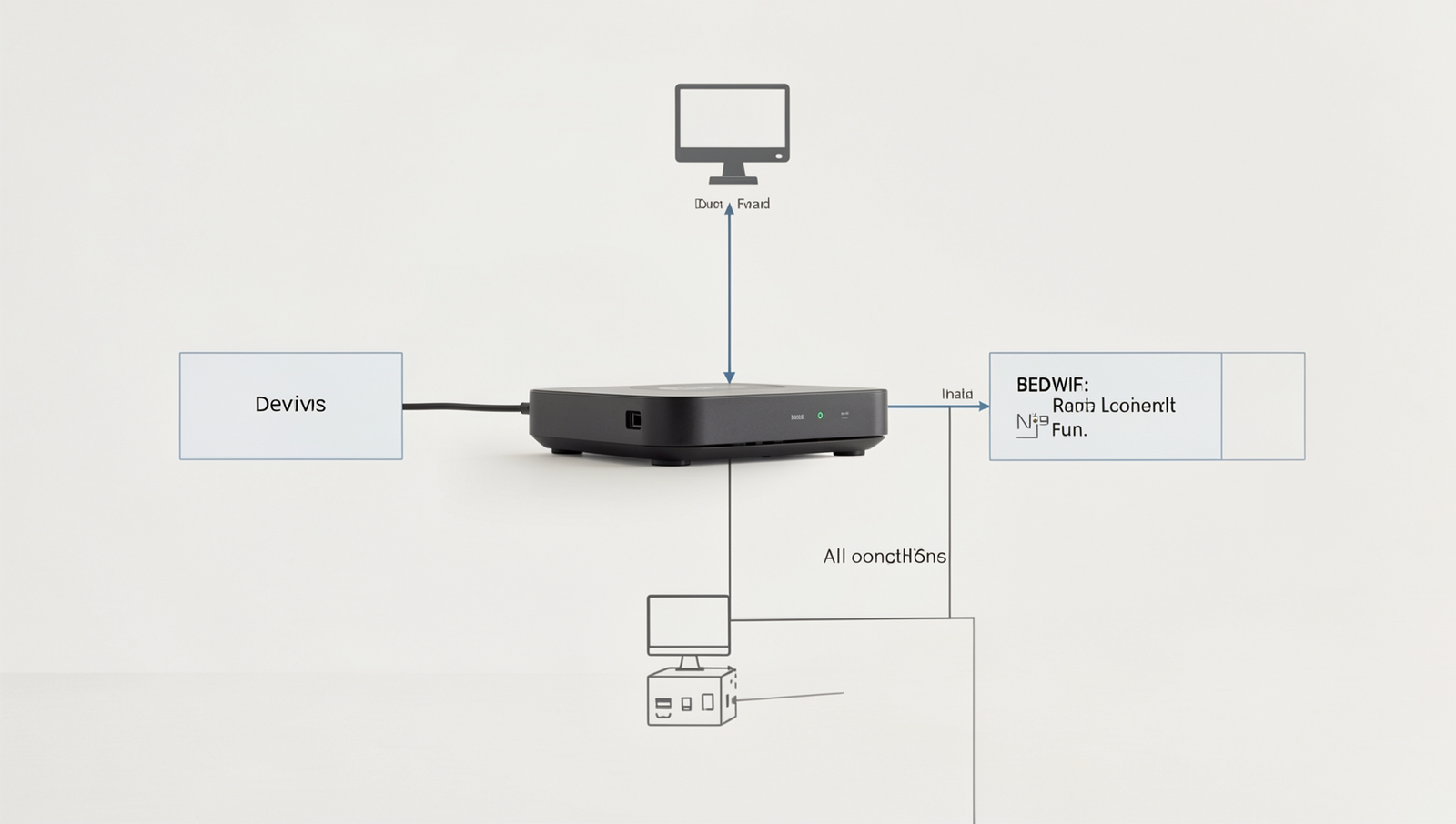
Connecting Your Devices
When you want to connect your phone to a WiFi network, several processes occur behind the scenes. Understanding these processes is essential to grasping what happens inside WiFi. The first step involves the discovery of available networks. Your device scans for WiFi signals by sending out probe requests, which are responses from nearby routers. This allows your device to identify which networks are available and their signal strengths.
Once you select a network, the connection process begins with a handshake. This handshake is a series of messages exchanged between your device and the router to establish a secure connection. The router verifies the credentials provided by your device, such as the WiFi password. If the credentials are correct, the router sends back an acknowledgment, allowing your device to connect.
After the handshake, your device is assigned an IP address through a process called DHCP (Dynamic Host Configuration Protocol). The router acts as a DHCP server, allocating a unique IP address to each device on the network. This IP address is crucial for routing data between your device and the internet. Without it, your device would not be able to send or receive information effectively.
- WPA2: This security protocol encrypts data transmitted over the network, making it difficult for unauthorized users to intercept information.
- WPA3: The latest security standard, WPA3, offers enhanced protection against brute-force attacks and improves security for open networks.
Understanding these security protocols is vital. They not only protect your personal information but also ensure that your connection remains stable and reliable. In a world where cyber threats are prevalent, using strong security measures like WPA2 or WPA3 is essential for safeguarding your data while connected to WiFi.
Troubleshooting Common Issues
When dealing with WiFi connectivity, understanding the common issues that can arise is crucial to maintaining a stable connection. One of the first steps in troubleshooting is identifying signal strength and coverage problems. You can use various tools and apps available for smartphones and computers to measure the strength of your WiFi signal. Look for areas in your home where the signal drops significantly, which can indicate poor coverage.
Common interference sources can also affect your WiFi performance. Household appliances such as microwaves can disrupt the 2.4 GHz frequency band, which is often used by many routers. Additionally, physical barriers like walls and furniture can weaken the signal. For instance, if your router is located in a basement, the signal may struggle to reach upper floors effectively.
To optimize router placement, consider the following tips:
- Position your router in a central location in your home to maximize coverage.
- Elevate the router off the floor, placing it on a shelf or table to reduce obstacles.
- Avoid placing the router near electronic devices that may cause interference.
Improving WiFi performance can often be achieved through simple adjustments. Here are some practical tips:
- Change the channel on your router settings to avoid congestion from neighboring networks.
- Consider upgrading your router to a dual-band or tri-band model for better performance.
- Regularly update your router’s firmware to ensure optimal functionality and security.
By following these troubleshooting steps and tips, you can enhance your WiFi experience and ensure a stable connection throughout your home.
Conclusion
Understanding what happens inside WiFi is crucial for anyone looking to optimize their internet experience. From the moment your phone sends a signal to the router, a complex series of processes occur, including data packet transmission, signal modulation, and error correction. These elements work together to ensure that you receive a stable and fast connection. By grasping these fundamentals, users can make informed decisions about their WiFi setup, whether it’s upgrading their router, adjusting placement for better coverage, or choosing the right frequency band for their needs.
As you delve deeper into the mechanics of WiFi, consider exploring advanced options like mesh networks or WiFi extenders to enhance your connectivity. Additionally, regularly updating your router’s firmware can improve performance and security. By taking these next steps, you can ensure that your home network remains efficient and reliable, allowing you to enjoy seamless internet access for all your devices.
Frequently Asked Questions
What is WiFi and how does it work?
WiFi is a technology that allows electronic devices to connect to a local area network (LAN) wirelessly. It uses radio waves to transmit data between devices, enabling internet access and communication without the need for physical cables, making it convenient for users.
What role does the router play in a WiFi network?
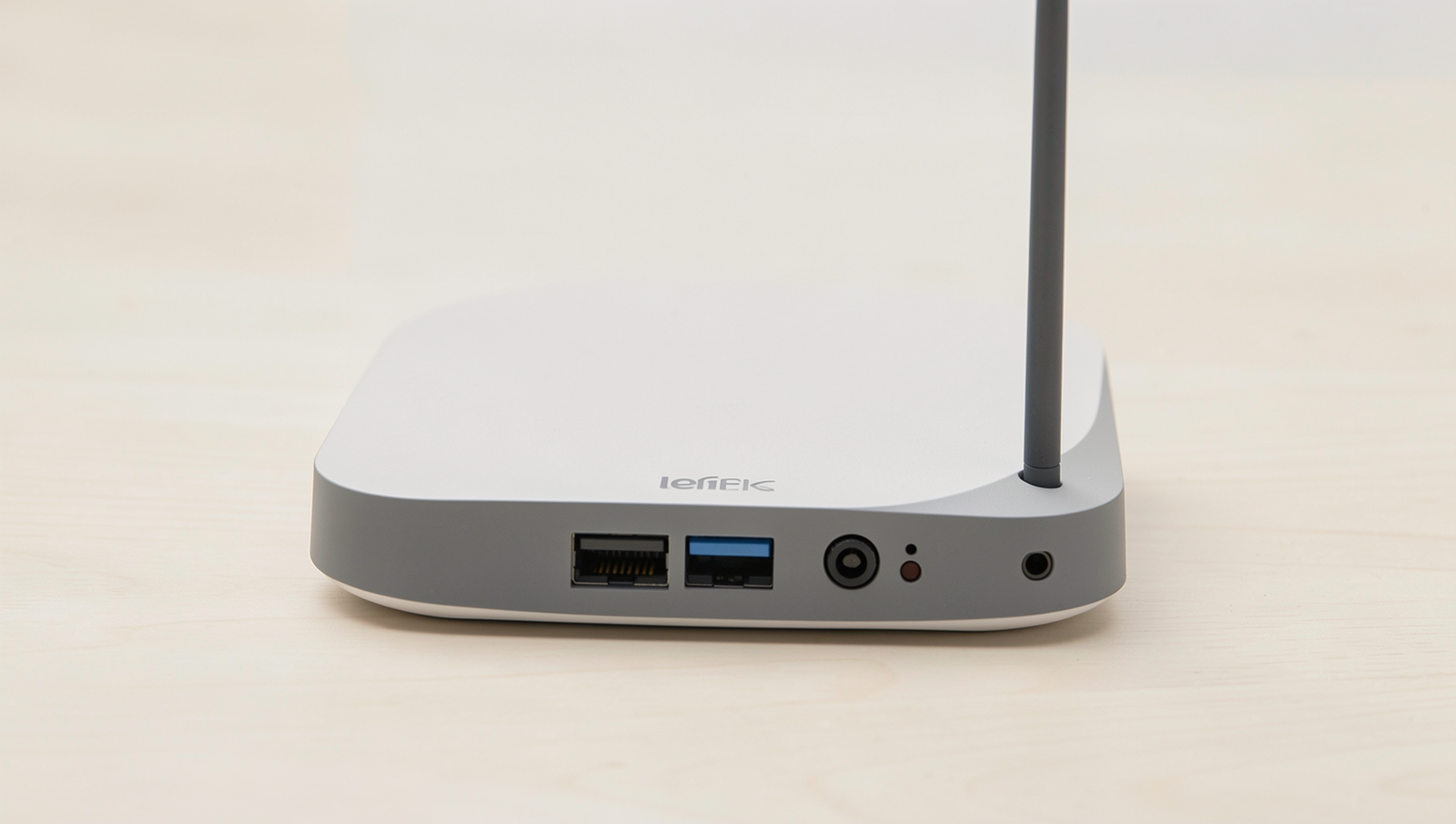
The router acts as a central hub in a WiFi network, connecting multiple devices to the internet. It manages data traffic, assigns IP addresses, and ensures secure communication between devices, facilitating seamless connectivity and data exchange within the network.
How does my phone connect to the WiFi network?
Your phone connects to a WiFi network by searching for available networks and selecting one. Once you enter the correct password, the phone authenticates and establishes a connection, allowing it to send and receive data over the internet wirelessly.
What factors can affect my WiFi signal strength?
Several factors can impact WiFi signal strength, including distance from the router, physical obstructions like walls, interference from other electronic devices, and the router’s capabilities. Optimizing placement and minimizing interference can enhance signal quality and connectivity.