Tech Behind the Screens: What Your Devices Do in the Background
 techbest@gmail.com
September 1, 2026
techbest@gmail.com
September 1, 2026
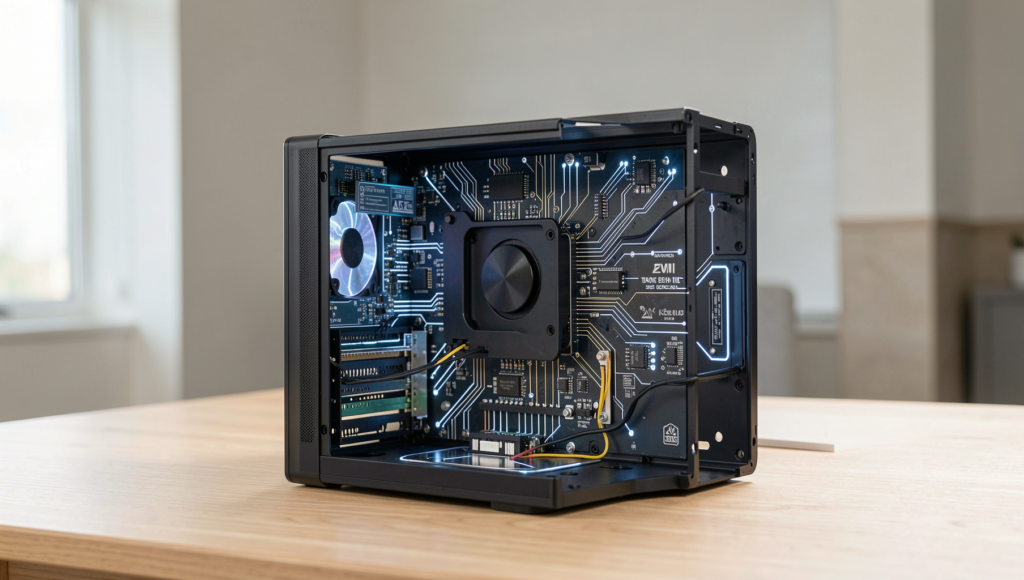
Exploring the unseen technology behind our devices.
7 min read • 1,573 words
Table of Contents
ToggleTech Behind the Screens: What Your Devices Do in the Background
In today’s digital age, understanding the tech behind the screens of our devices is crucial. Every time you pick up your smartphone or turn on your smart TV, a complex network of processes is at work, often without your knowledge. These devices continuously communicate with various networks and services to provide a seamless user experience. For instance, your smartphone is constantly in touch with nearby cell towers to maintain a stable connection, ensuring you can make calls, send texts, and use apps without interruption.
Moreover, background applications on your computer can significantly consume CPU and memory resources, which may affect overall performance. Smart TVs collect viewing data to tailor recommendations and serve targeted advertisements, while IoT devices frequently send data to the cloud, raising important privacy concerns. This article will delve into these hidden processes, helping you understand what happens behind the scenes and why it matters for your privacy and device performance.
Understanding Background Processes
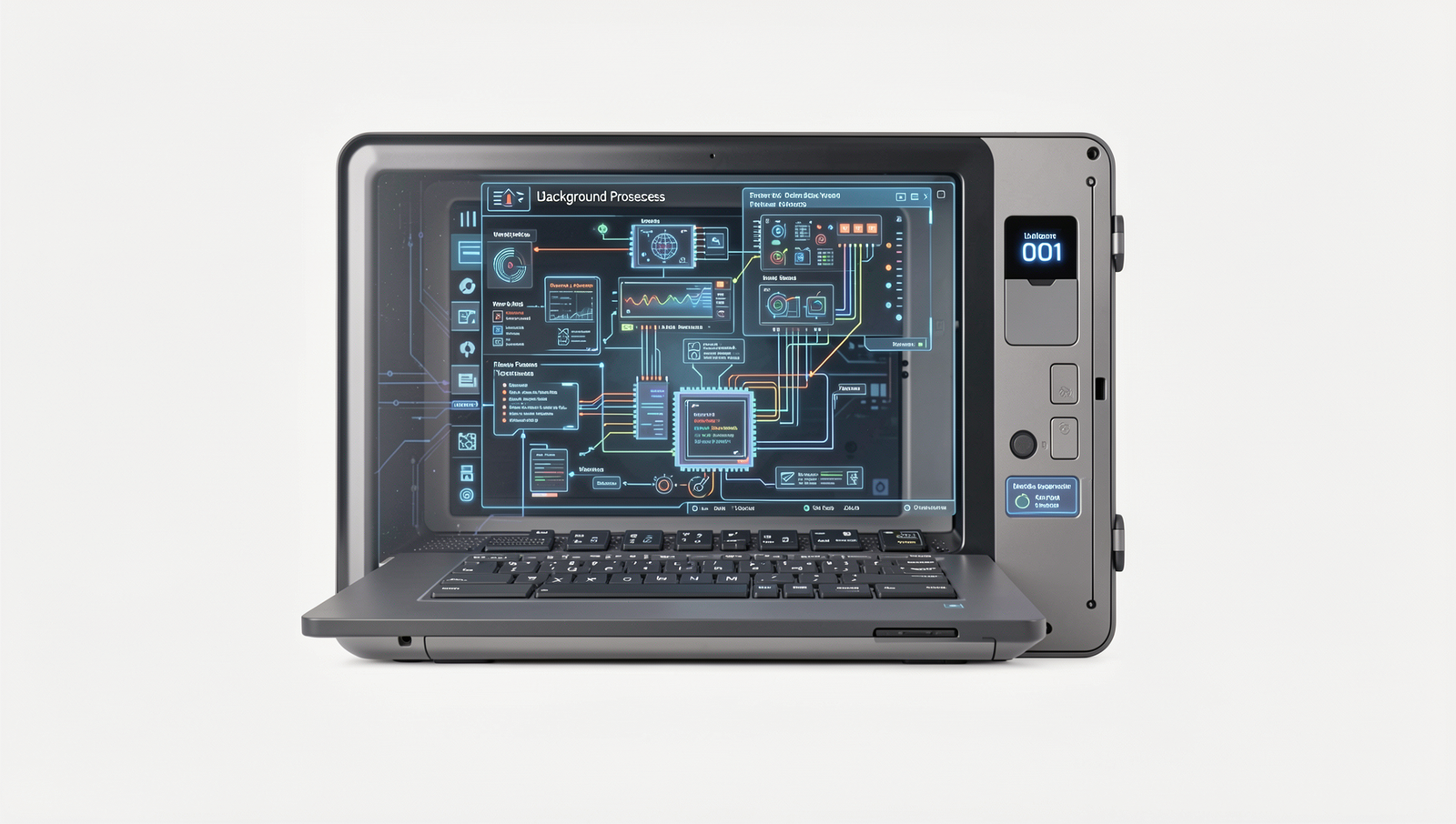
In the realm of technology, background processes are essential components that operate behind the scenes of your devices. These processes are tasks that run without direct user interaction, ensuring that applications and systems function smoothly. They are crucial for maintaining performance, managing resources, and providing a seamless user experience. Without these processes, your devices would struggle to perform even the simplest tasks, leading to a frustrating experience.
Background processes differ significantly from foreground processes, which are tasks that require user interaction and are visible on the screen. For instance, when you open a web browser to view a website, that browser is a foreground process. In contrast, background processes might include updates being downloaded, notifications being checked, or syncing data with cloud services. These processes are vital for keeping applications up to date and ensuring that your device is ready for use whenever you need it.
Common examples of background processes include:
- Automatic software updates that keep your applications secure and functional.
- Cloud synchronization services that back up your files and photos.
- Antivirus scans that run periodically to protect your device from threats.
- Location services that help apps provide relevant information based on your whereabouts.
While background processes are necessary, they can also impact device performance. Excessive background activity can lead to increased battery drain, slower response times, and reduced overall efficiency. Therefore, it is important to manage these processes effectively, ensuring that your device runs optimally while still benefiting from the tech behind the screens.
Data Management and Synchronization
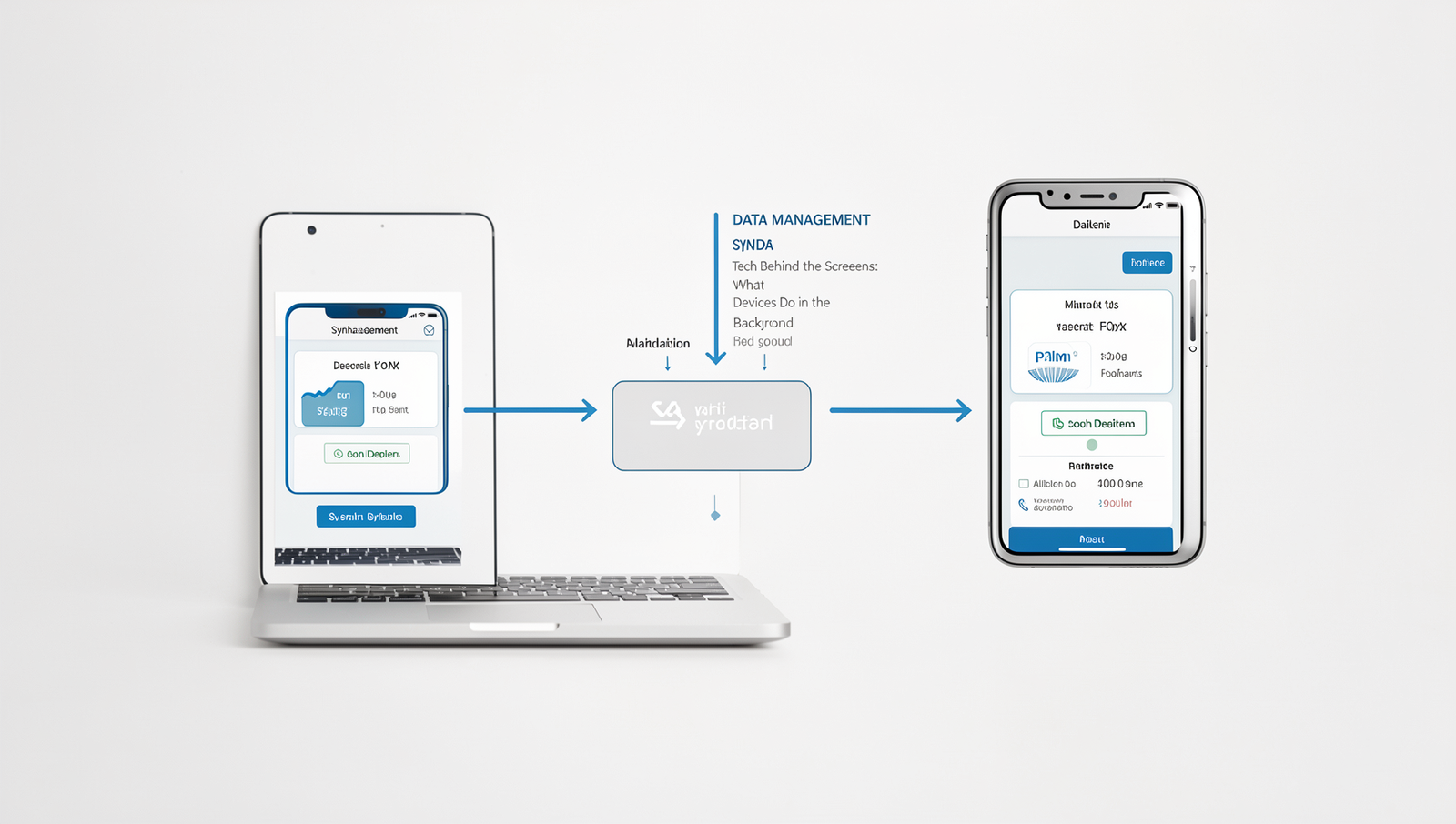
In the realm of the tech behind the screens, data management and synchronization play crucial roles in ensuring that your devices operate smoothly and efficiently. Every time you open an app or access a file, your device is working tirelessly in the background to manage and synchronize data. This process involves several key components that work together seamlessly.
One of the primary methods of data synchronization is through cloud services. These services allow your devices to store data remotely, ensuring that your information is accessible from multiple devices. For instance, when you take a photo on your smartphone, it can be automatically uploaded to a cloud service like Google Drive or iCloud. This means that the photo is instantly available on your tablet or computer without any manual transfer. Some popular cloud services include:
- Google Drive
- Dropbox
- Microsoft OneDrive
- iCloud
However, while background data management is essential, it can significantly impact battery life. Continuous synchronization and data transfer consume power, leading to quicker battery depletion. Users may notice that their devices drain faster when apps are constantly updating or syncing data in the background. To mitigate this, many devices offer options to limit background data usage, allowing users to choose when and how their data is synchronized.
Security is another critical consideration in background data management. As devices communicate with cloud services, they transmit sensitive information that could be vulnerable to interception. Therefore, it is essential to use secure connections and enable encryption where possible. Regular updates and security patches also help protect against potential threats, ensuring that your data remains safe while being managed in the background.
Resource Allocation and Optimization
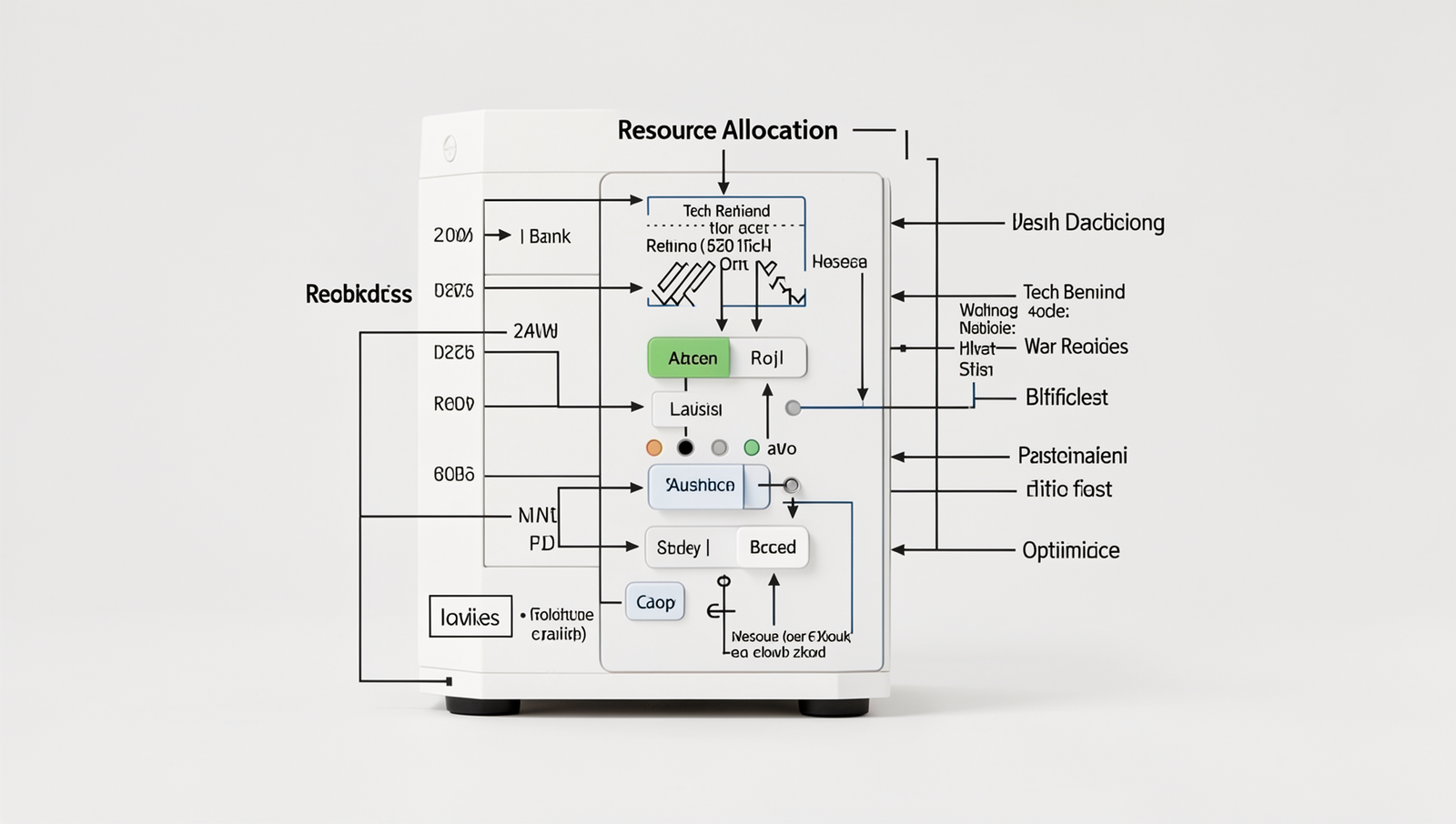
In the realm of modern technology, the efficiency of devices hinges on how they allocate resources to background tasks. Every time you open an application, your device must decide how much memory, processing power, and battery life to dedicate to it, all while managing other running processes. This resource allocation is crucial for maintaining performance and ensuring a seamless user experience.
Devices utilize several techniques to optimize background processes. One common method is prioritization, where the system assigns higher priority to active applications while relegating background tasks to lower priority. This ensures that the apps you are currently using run smoothly without unnecessary interruptions. Additionally, many devices implement a technique known as “suspension,” where inactive applications are temporarily paused, freeing up resources for more critical tasks.
- Dynamic Resource Allocation: Systems can adjust resources in real-time based on current needs.
- Batch Processing: Background tasks are grouped together to minimize resource usage.
- Power Management: Devices can limit background activity during low battery conditions.
The impact of resource allocation on multitasking capabilities cannot be overstated. Efficient management allows users to switch between apps without lag, enhancing productivity. However, poor resource allocation can lead to slowdowns and crashes, frustrating users and hindering their workflow.
User settings also play a significant role in background resource usage. For instance, many operating systems allow users to limit background data for specific applications, which can help conserve battery life and improve performance. Understanding these settings empowers users to optimize their devices according to their needs, ensuring that the tech behind the screens works effectively for them.
Privacy and Security Implications
As we delve into the tech behind the screens of our devices, it becomes crucial to understand the privacy and security implications of background processes. Many applications run in the background, collecting data that can pose significant risks to user privacy. These risks often stem from how apps access and utilize background data without explicit user consent.
For instance, social media apps may track location data even when not actively in use. This can lead to unauthorized sharing of personal information, which users may not be aware of. Additionally, background processes can consume battery life and data, leading to unexpected charges on mobile plans.
- Apps may access contacts, photos, and location data.
- Background processes can lead to data leaks if not properly secured.
- Malicious apps can exploit background permissions to gather sensitive information.
To mitigate these risks, users should adopt best practices for managing privacy settings. This includes regularly reviewing app permissions and disabling background data access for apps that do not require it. For example, on a smartphone, users can navigate to the settings menu and adjust permissions for each app individually.
Moreover, regulatory considerations are increasingly coming into play regarding background data usage. Laws such as the General Data Protection Regulation (GDPR) in Europe mandate that companies must be transparent about data collection practices. Users have the right to know what data is being collected and how it is used, which adds another layer of protection in the tech behind the screens.
Conclusion
Understanding the tech behind the screens of our devices is essential for appreciating how they enhance our daily lives. From the seamless operation of applications to the background processes that ensure security and efficiency, these technologies work tirelessly to provide a smooth user experience. By recognizing the complexity of these systems, users can make more informed decisions about their device usage, including privacy settings and software updates. The benefits of this knowledge extend beyond individual use; it fosters a greater appreciation for the innovations that drive our digital world.
As we continue to rely on technology, it is crucial to stay informed about the tech behind the screens. Users should consider exploring the settings and features of their devices to optimize performance and security. Additionally, engaging with educational resources can deepen understanding and empower users to leverage technology effectively. Embracing this knowledge will not only enhance personal experiences but also contribute to a more informed and responsible digital community.
Frequently Asked Questions
What processes run in the background of my device?
Your device runs various processes in the background to ensure smooth functionality. These include system updates, app notifications, location services, and syncing data. These processes help maintain performance and keep your apps updated without requiring your direct attention.
How do background apps affect battery life?
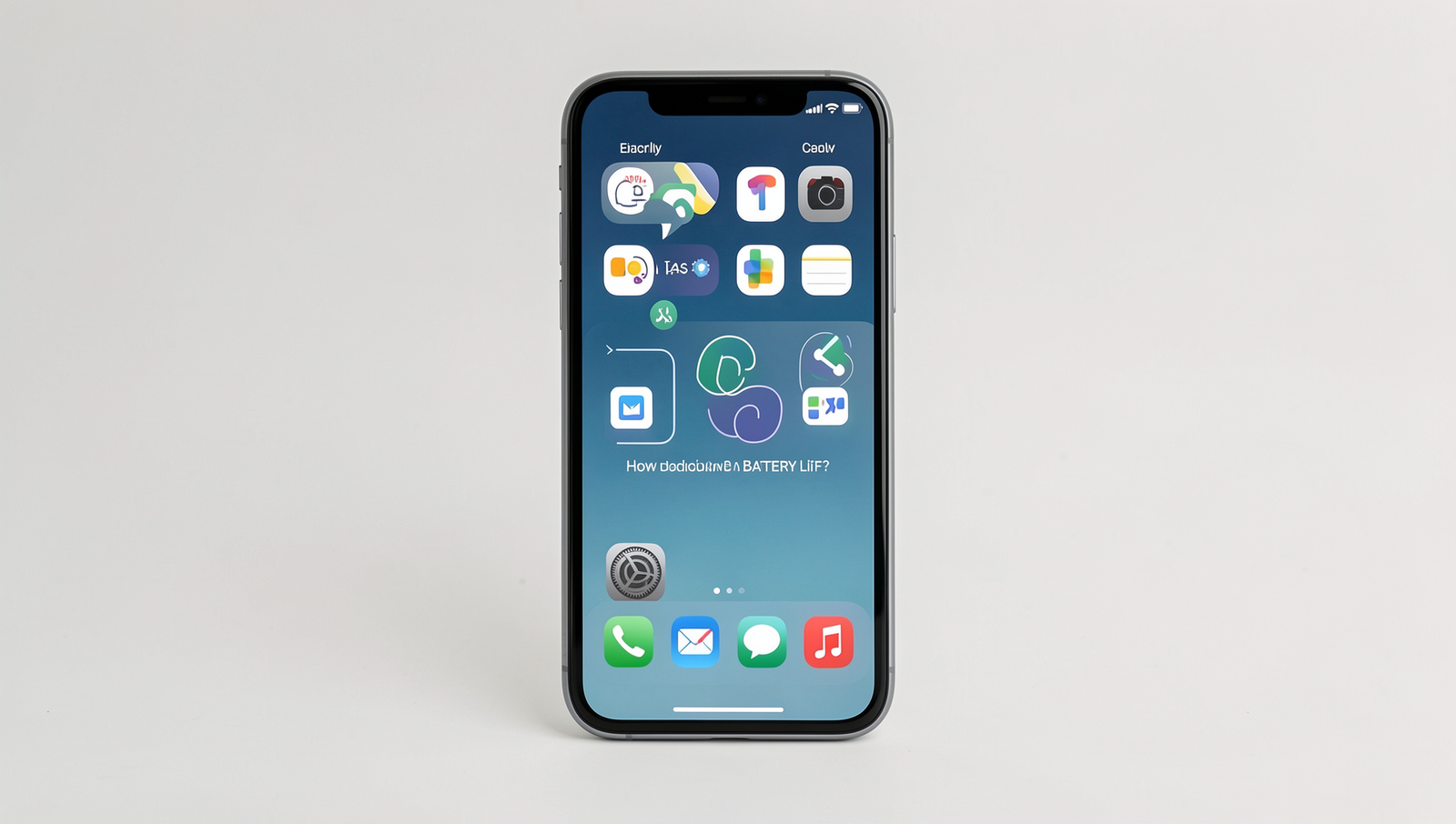
Background apps can significantly impact battery life by consuming resources even when not actively in use. They may use CPU cycles, access the internet, or utilize location services, all of which drain the battery. Managing these apps can help extend battery longevity.
Can I manage background processes?
Yes, you can manage background processes on most devices. This can be done through settings where you can restrict or disable background activity for specific apps. This helps improve performance and conserve battery life by limiting unnecessary resource usage.
What is background data usage?
Background data usage refers to the data consumed by apps while they are not actively being used. This includes syncing emails, updating social media feeds, and downloading updates. Monitoring this usage can help you manage your data plan effectively.